
A contract to sign, a form to fill in, three train tickets that should be one file. Most free PDF websites ask you to upload the document first, which is not what you want with a contract, a bank statement or anything personal.
Easy PDF Editor does the same jobs right on your computer: nothing is uploaded, there is no account, no daily limit and no watermark on your files. Here is what it can do and how to start in Chrome, Microsoft Edge and Firefox.
Why edit PDFs on your own computer
- Privacy: your files never leave your computer, so a contract or an ID document is not copied to someone else’s server.
- No waiting: there is no upload and no download queue; it even works offline.
- No limits: no account, no “3 files a day”, and no watermark stamped on your pages.
What Easy PDF Editor does
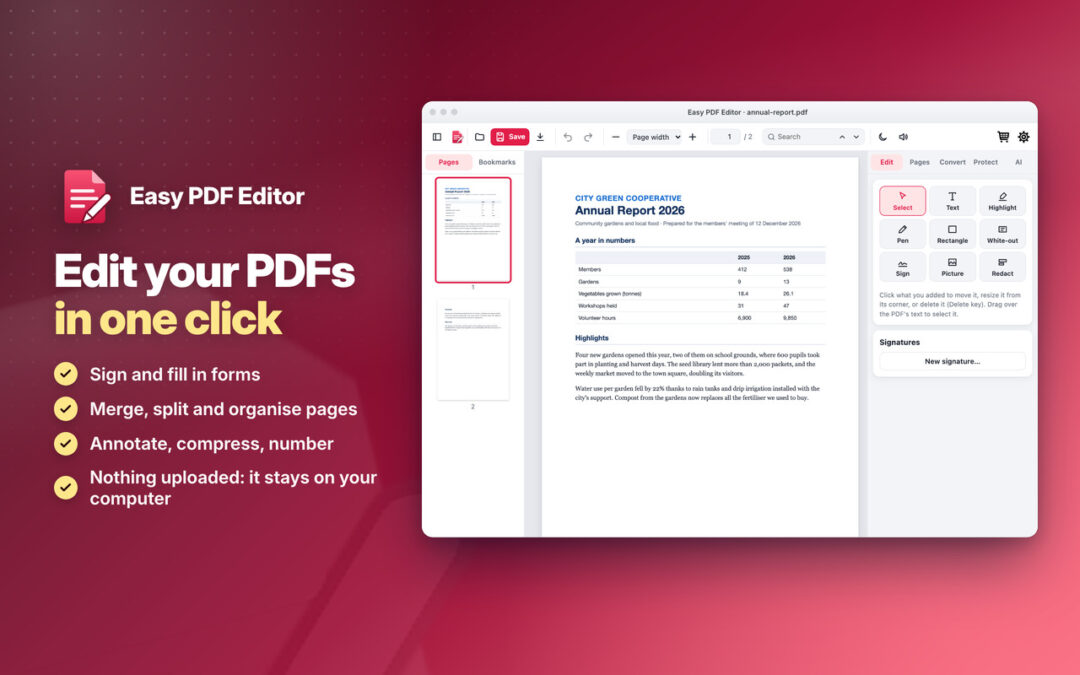
Easy PDF Editor opens as a page in your browser, light on CPU and memory, with the tools you reach for most:
- Read any PDF with zoom, page thumbnails and search; it reopens at the last page you read.
- Organise pages: merge, split, reorder, rotate, delete and extract.
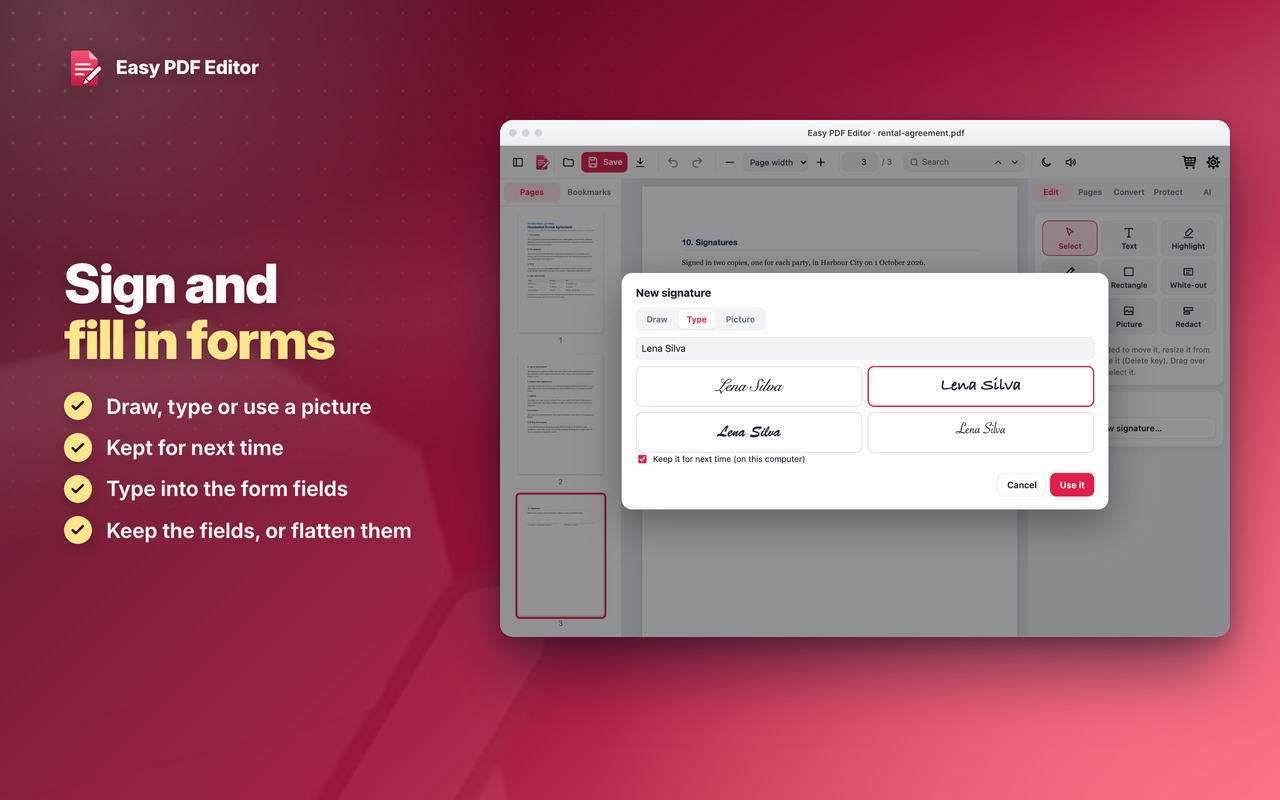
- Fill in forms and sign: draw, type or use a picture of your signature.
- Annotate with text boxes, highlights, a pen, rectangles and white-out.
- Convert images to PDF, and pages to PNG or JPEG pictures.
- Compress, add page numbers and a watermark.
- Save into the same file, or download a copy.
- A dark reading mode, and read-aloud with the voices on your computer.
- Right-click a PDF link to open it in the editor, or press Alt + Shift + P.
How to start, in three steps
- Add Easy PDF Editor to your browser (the buttons are below).
- Open it from the toolbar icon, or right-click a PDF link and choose to open it with Easy PDF Editor.
- Pick a tool (sign, merge, split, fill in, compress), then save into the same file or download a copy.
The short video below shows it in action:
Online PDF sites or Easy PDF Editor?
A quick comparison:
| Typical online PDF site | Easy PDF Editor | |
|---|---|---|
| Where your file goes | Uploaded to a server | Stays on your computer |
| Account and limits | Often a sign-up and a daily limit | No account, no daily limit |
| Watermark | Sometimes on free files | Never on your files |
| Offline | No | Yes |
Tips
- Signing often? Save a picture of your signature once and reuse it.
- Merging tickets or receipts? Reorder the pages first, then save one file for the whole trip.
- Sending a big scan by email? Compress it before attaching.
- Reading a long report in the evening? Turn on the dark reading mode, or let it read aloud.
Questions people ask
Can I sign a PDF without uploading it?
Yes. Easy PDF Editor signs on your own computer: draw, type or use a picture of your signature, then save.
Can I merge PDFs for free?
Yes. Merging, splitting and reordering pages are free tools, with no account and no watermark.
Does it work offline?
Yes. Your files never leave your computer, so it also works without a connection.
Conclusion
Contracts, forms, tickets and reports: Easy PDF Editor handles the everyday PDF jobs without sending your files anywhere, with no account, no limits and no watermark. Free in Chrome, Microsoft Edge and Firefox.
Find every detail on its project page, and see what Premium adds to our extensions.
More from us: Chrome extensions, Edge extensions, Firefox add-ons and our blog.