Easy AI Writer · Browser Extension 💻 Win/Mac/Linux
Easy AI Writer 📌

Write better everywhere, with AI 📌 that stays on your computer: the AI built into the browser, private and offline 🚨

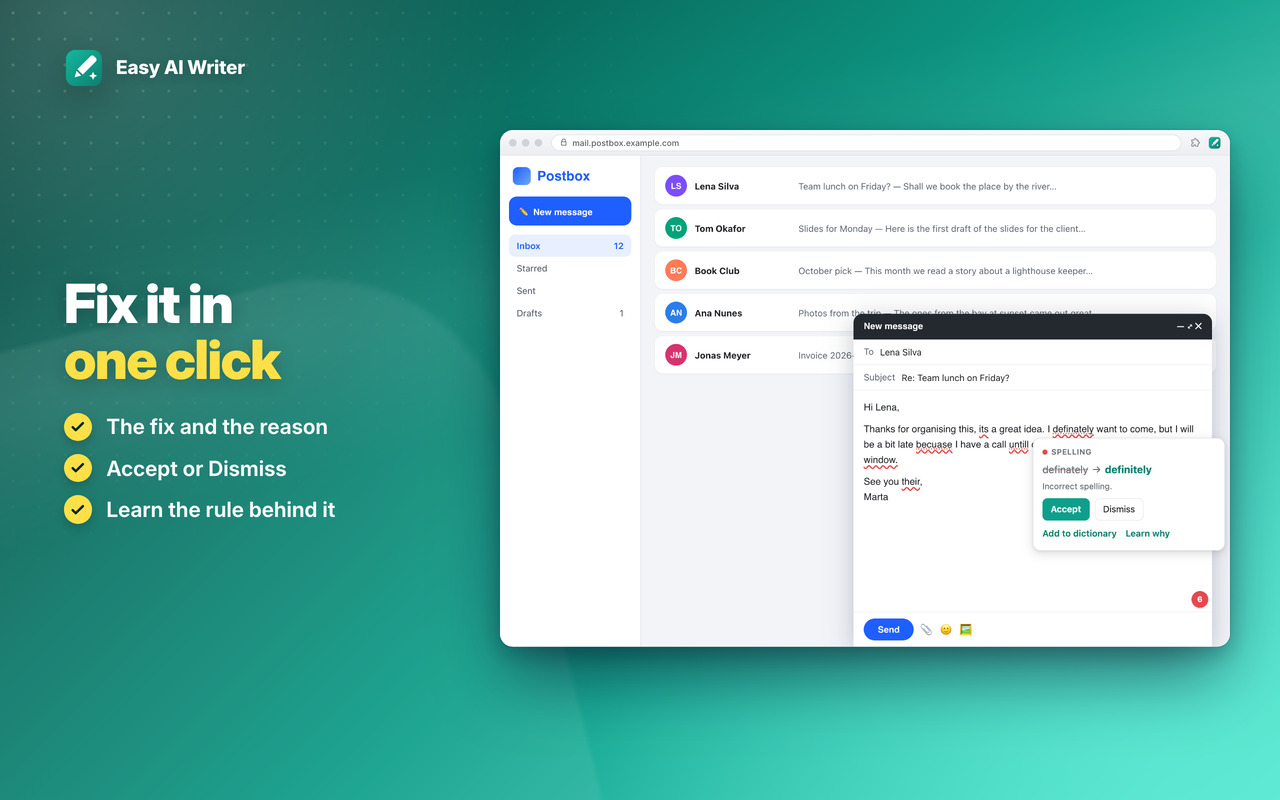
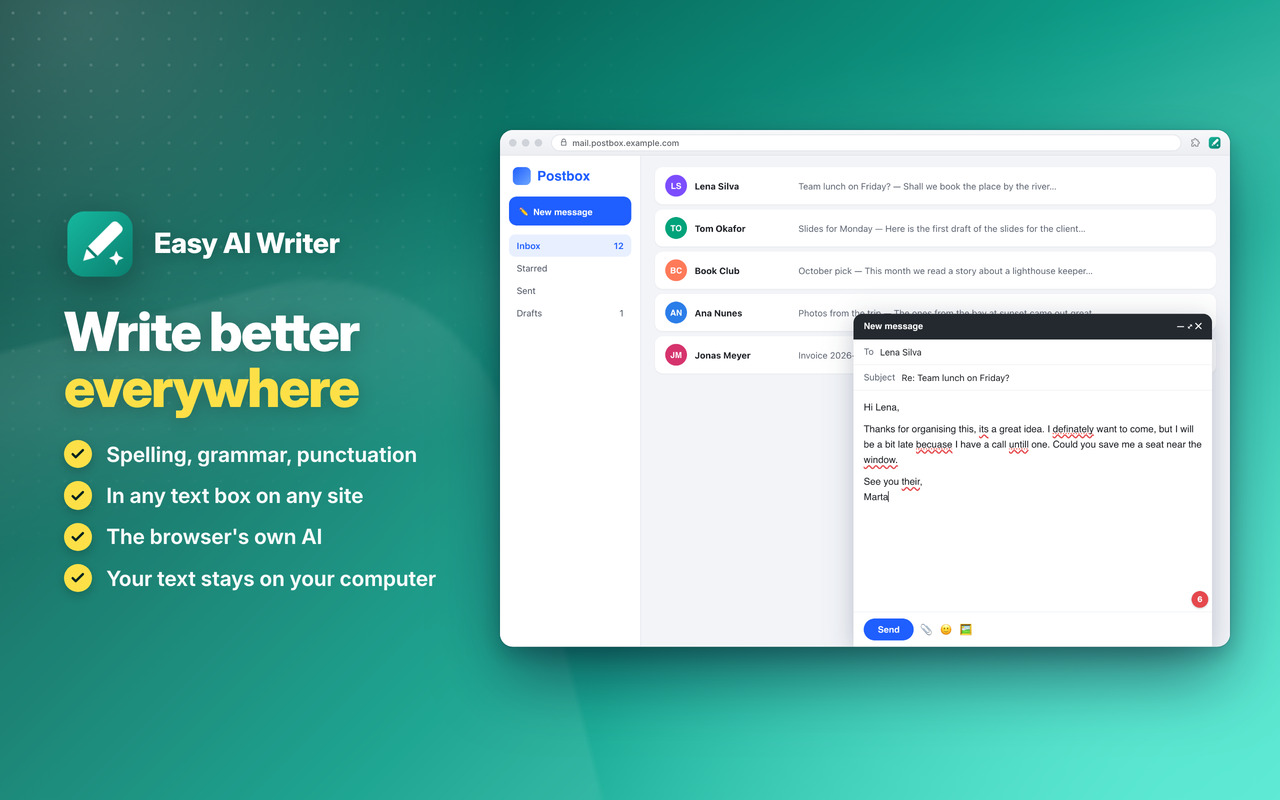
Fix it in one click ✅

Spelling, grammar and punctuation underlined as you type, with the fix and the reason: Accept or Dismiss 📖

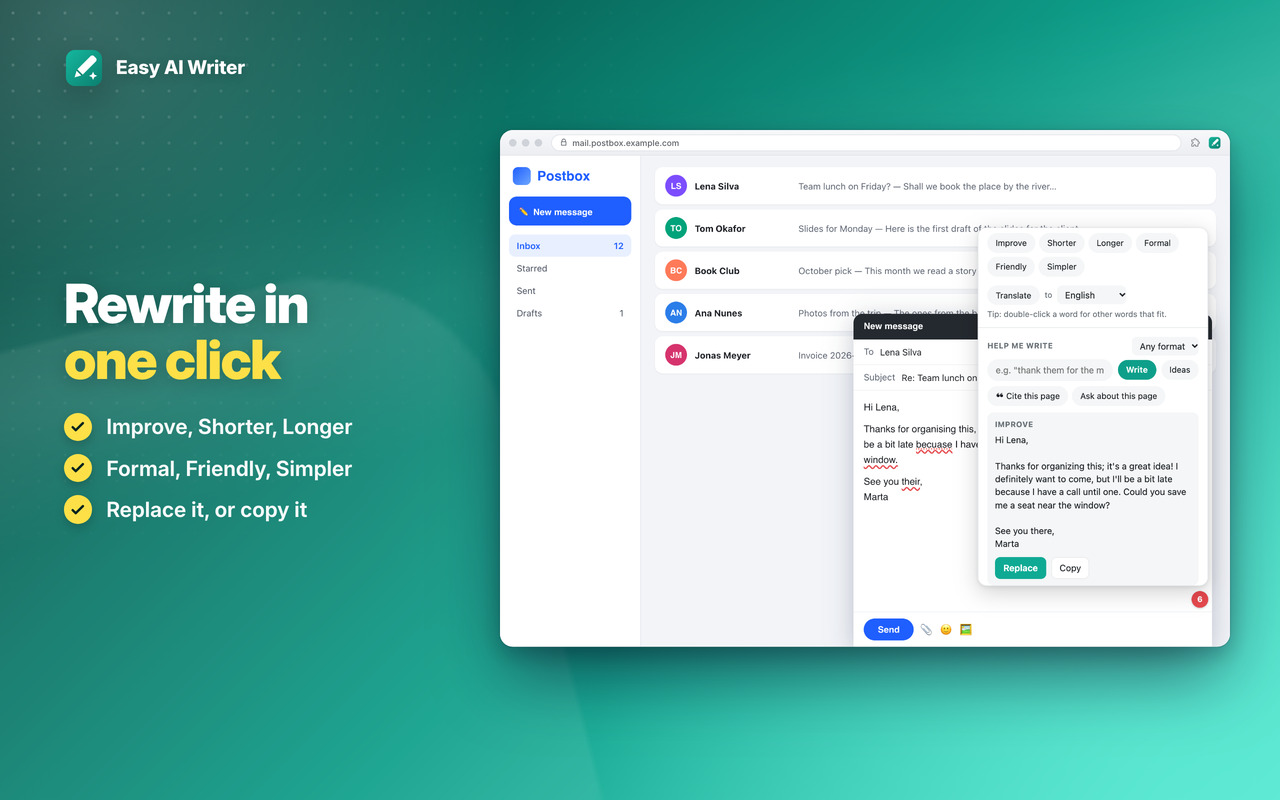
Rewrite, translate, summarize 🔁

Improve, Shorter, Formal, Friendly… translate into 20 languages, summarize any text you select 🧠

Private AI 🔒

Your text never leaves your computer, and it works without the internet 🔐


Fix it in one click

Mistakes underlined as you type, and fixed with one click ✅
Easy AI Writer: Fix it in one click

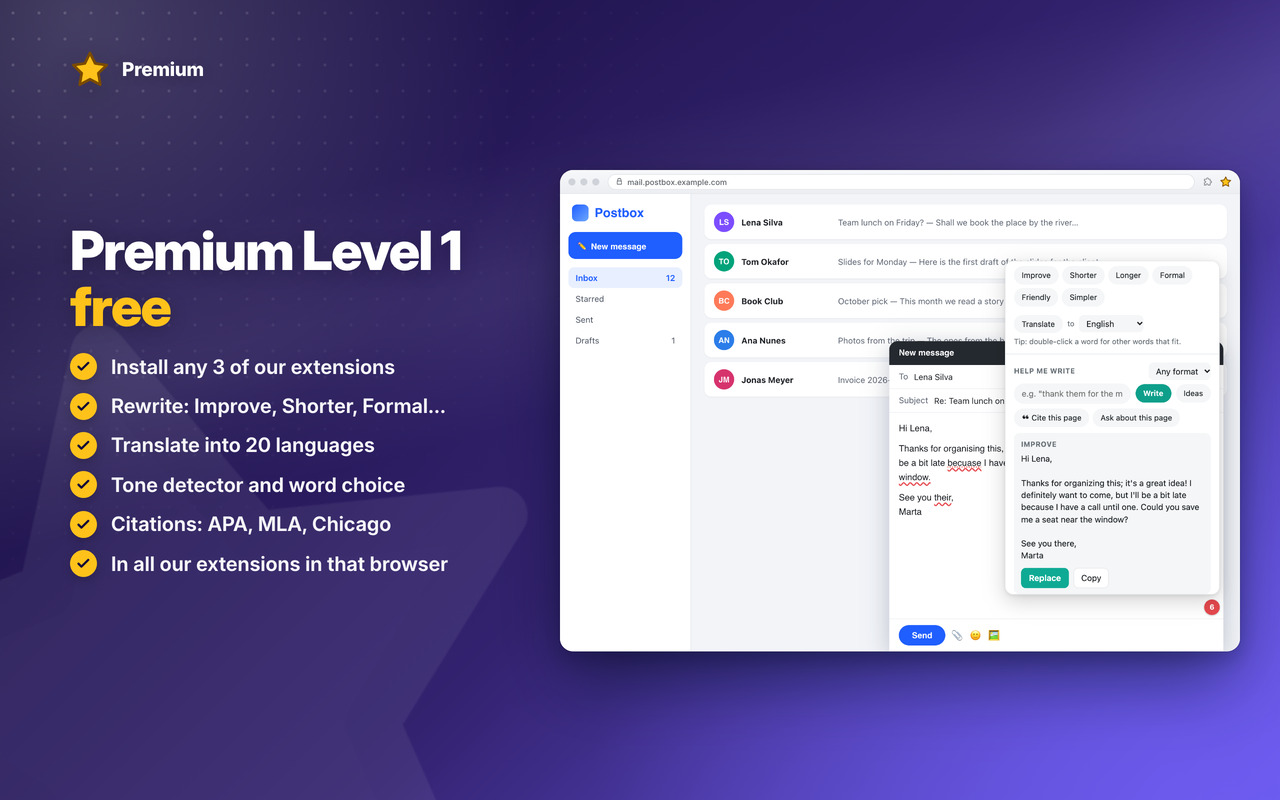
Premium Level 1

Rewrite, translate, change the tone, better word choice and citations ⭐
Easy AI Writer: Premium Level 1

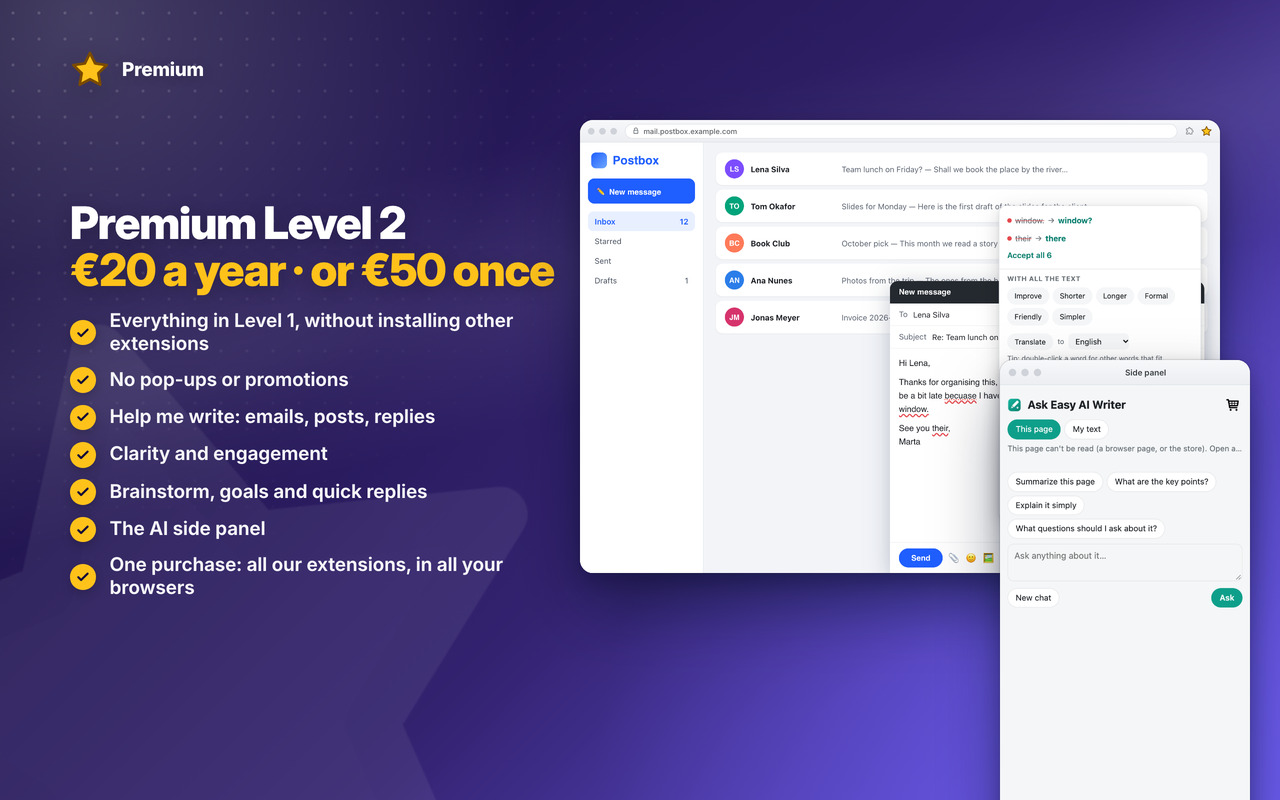
Premium Level 2

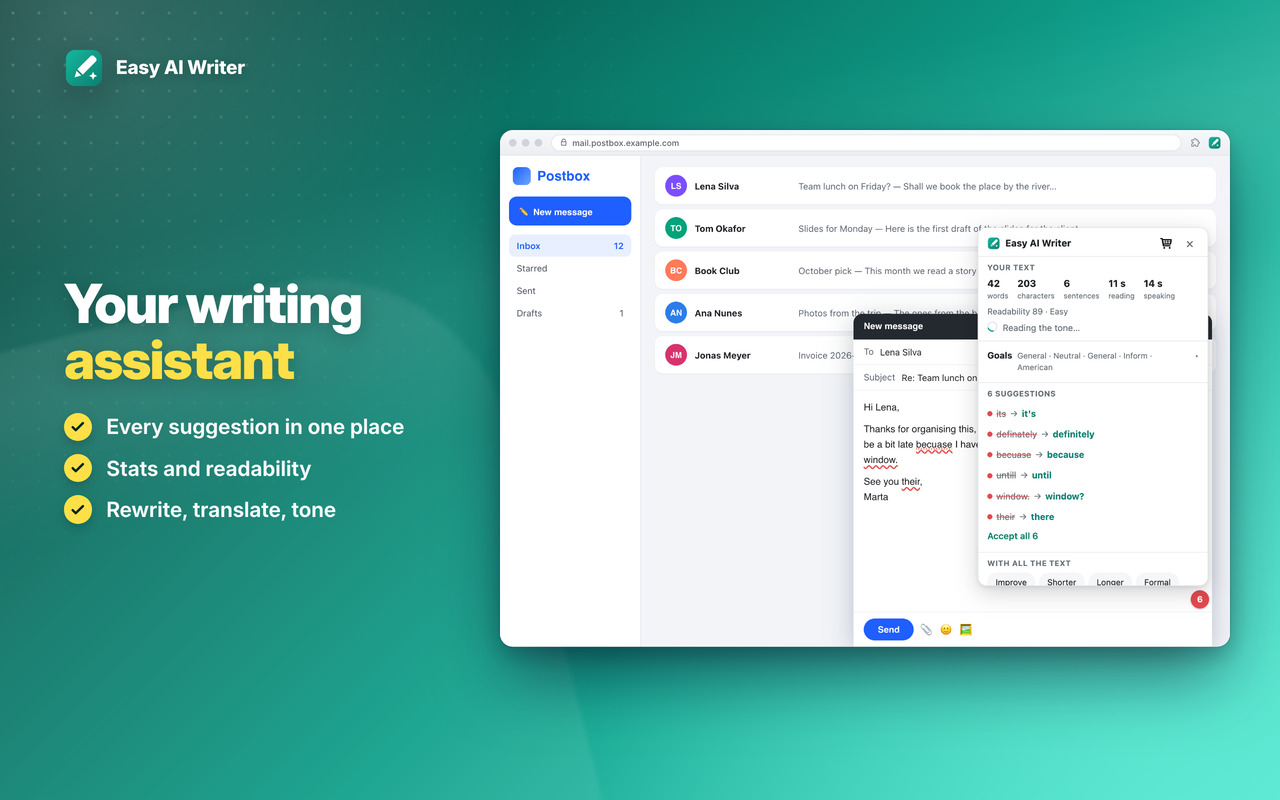
Clarity, Help me write, brainstorm, goals, quick replies and the AI side panel 👑
Easy AI Writer: Premium Level 2

Download

Coming Soon!

Easy AI Writer

Visit the Add-ons, Add-ons

Coming Soon!

Easy AI Writer


Changelog

v1.1 17/10/2026

✨ NEW Premium Level 1: rewrite in one click, translate, tone detector, word choice, citations
👑 NEW Premium Level 2: clarity and engagement, Help me write, brainstorm, goals, quick replies, the AI side panel
🧠 Works in rich editors (CKEditor, Lexical, Slate…) and in editors embedded from another site
🤖 The AI’s state in the popup and Settings: ON or OFF, what it needs, its download with the progress
🐞 Accept all puts every fix in the right place

OLDER

v1.0 16/10/2026
🎉 First version: spelling, grammar and punctuation as you type, with the AI built into the browser
📖 Learn why, personal dictionary, writing stats
🧠 Summarize or explain any text you select



Permissions

Browser Extension 💻 Win/Mac/Linux
  • “scripting” – Puts the writing helper into the pages’ text boxes, also in pages that were open before the extension was installed.
  • “tabs” – Reads the address and title of the page you’re on, for citations and the side panel.
  • “activeTab” – Access to the tab you’re on when you click the icon, to work with its selected text.
  • “storage” – Saves your settings, your dictionary and recent AI answers on your computer.
  • “unlimitedStorage” – Storage is limited to 5MB of data that may not be enough for the saved AI answers and your dictionary.
  • “notifications” – Desktop notifications, e.g. when the AI model is ready, or the App is updated.
  • “contextMenus” – The right-click menu: Improve, Summarize, Translate, Cite this page; and more settings when you right-click the App icon.
  • “alarms” – Cleans old saved AI answers once a day.
  • “sidePanel” – The AI side panel, to ask about the page you’re on or about your text.
  • “system.display” – Detects the display size to open the writing pad window at a size that fits your screen.
  • “host_permissions” – You write on any site, so the helper must work in the text boxes of every page you visit. Also used to show the Tips – Tricks – News and to allow intercommunication with other Oinkandstuff Apps.
  • “all_urls” – We cannot predict ahead of time which sites you will visit, so the extension works on any page.
  • 🐗 #OinkAndStuff is certified as 100% Free of malware 🐞 by Softpedia Labs 🔬