Easy Weather · Browser Extension 💻 Win/Mac/Linux
Easy Weather 📌

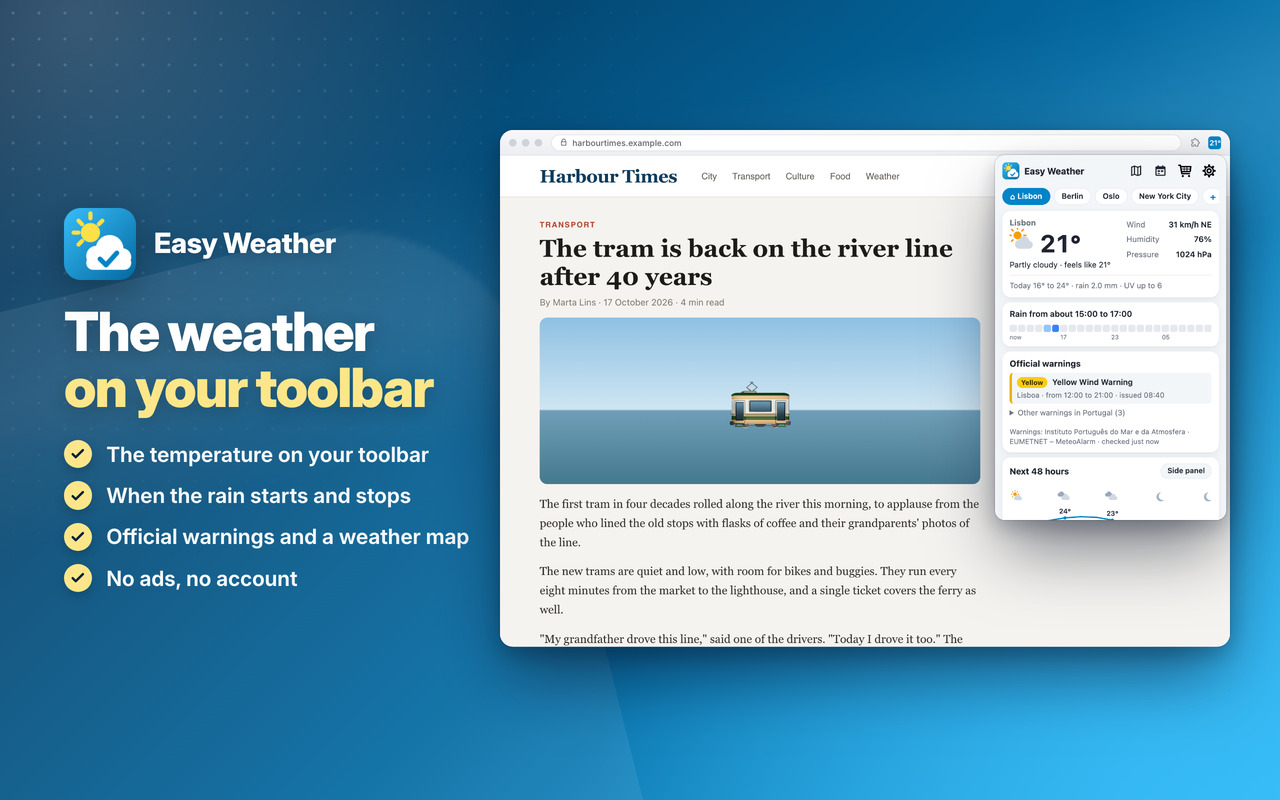
The weather on your toolbar 📌 and when the rain starts and stops: the forecast for your places, hour by hour 🚨

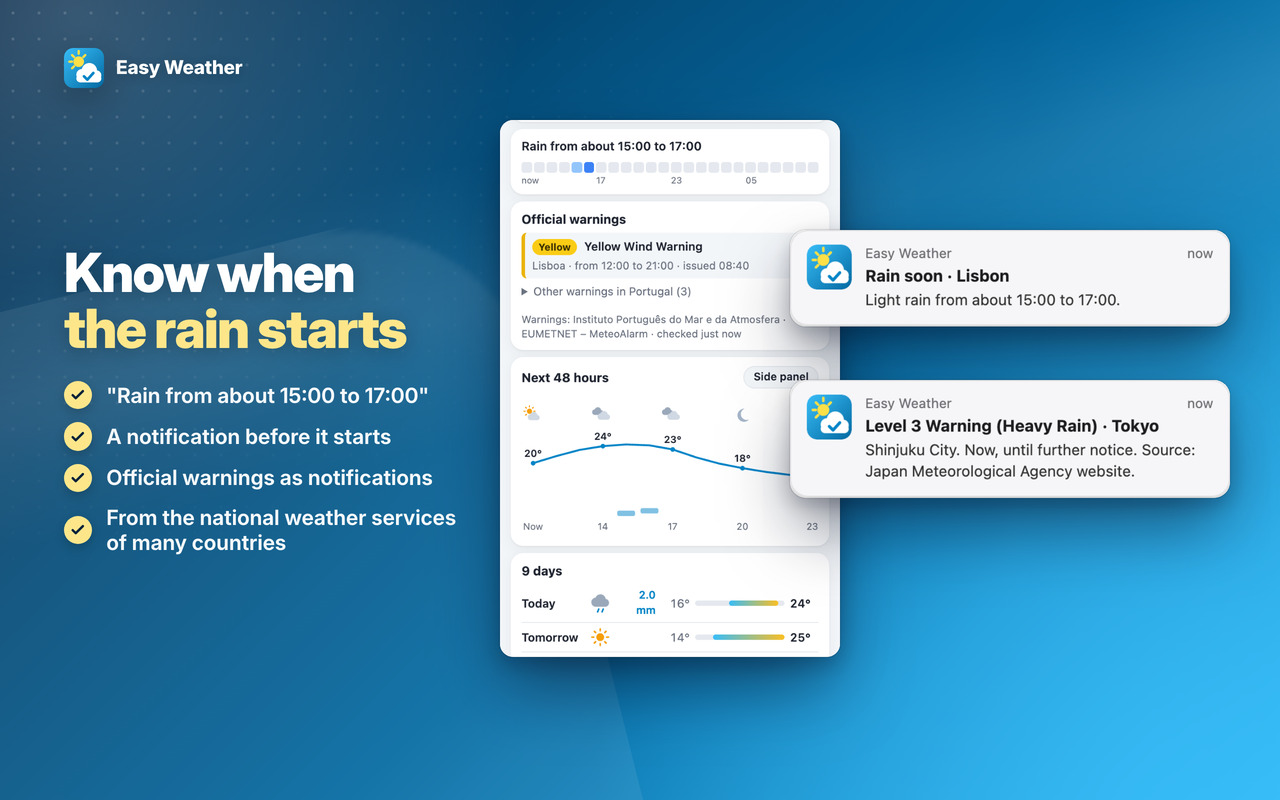
Rain timeline ☔

"Rain from about 15:00 to 17:00": the next 24 hours at a glance, and a notification when rain is about to start at home 🔔

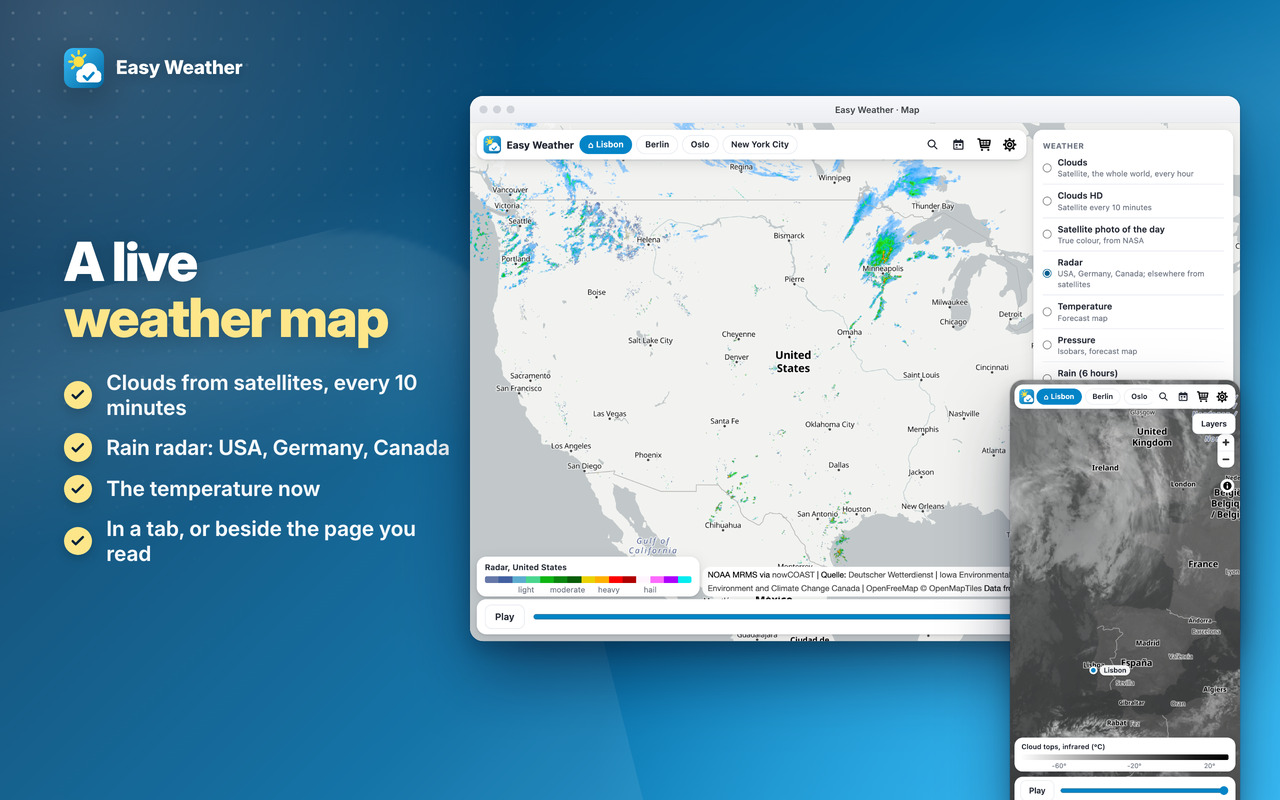
Weather map and warnings 🗺️

A live map with satellite clouds, radar and the temperature, and the national weather services' warnings as notifications ⚠️

Private 🔒

No ads, no account, no search changes: nothing about you is collected, and the last forecast stays when you're offline 🙂


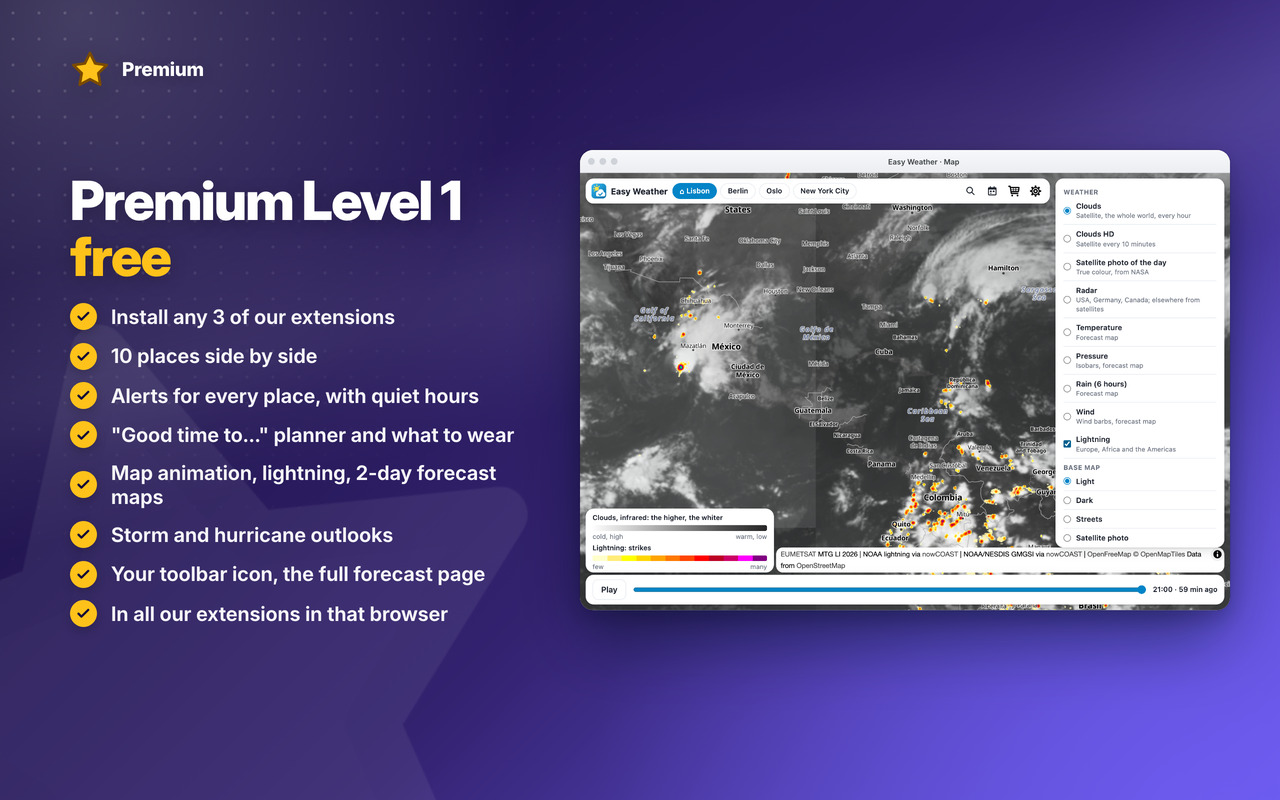
A live weather map

Clouds from satellites every 10 minutes, rain radar and the temperature now 🛰️
Easy Weather: A live weather map

Know when the rain starts

“Rain from about 15:00 to 17:00”, a notice before it starts, and official warnings ☔
Easy Weather: Know when the rain starts

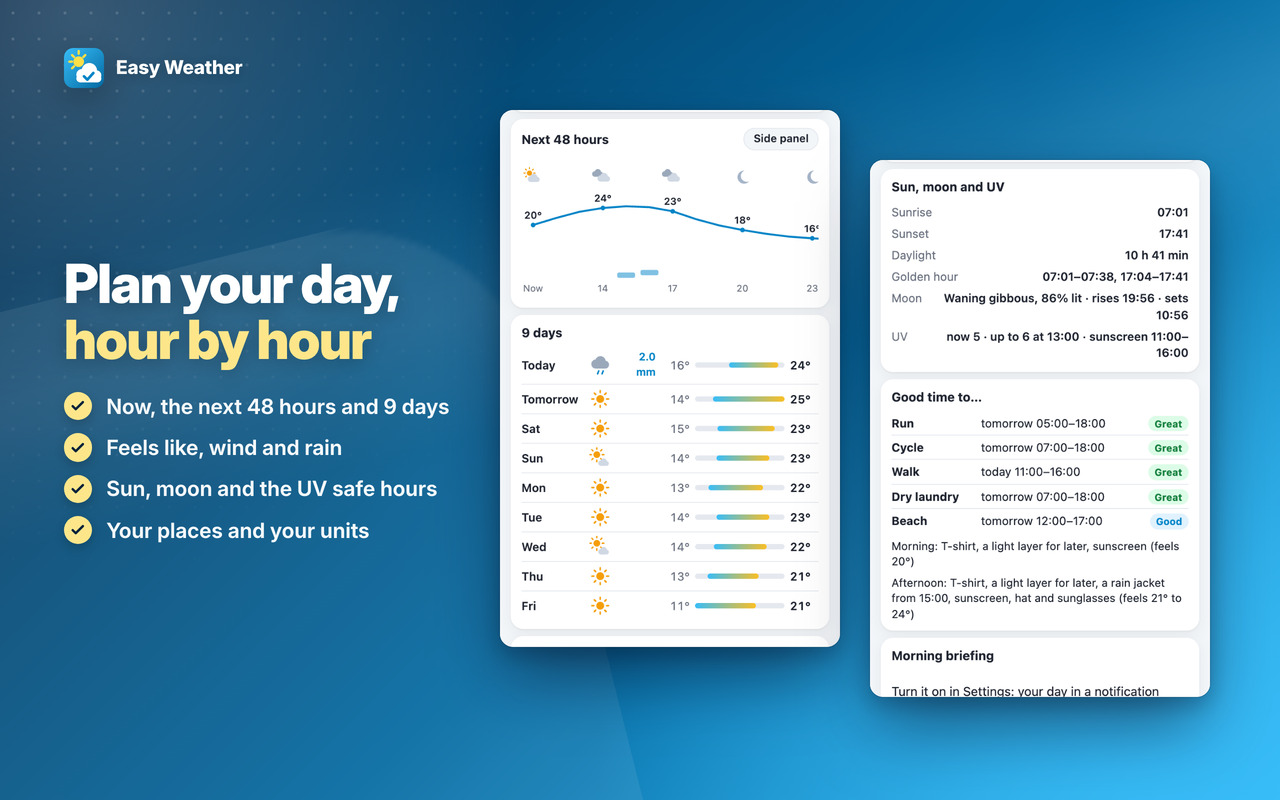
Plan your day, hour by hour

Now, the next 48 hours and 9 days, with sun, moon and the UV safe hours 🌤️
Easy Weather: Plan your day, hour by hour

Download

Coming Soon!

Coming Soon!

Coming Soon!

Easy Weather

Premium

Two levels, in all our extensions: Premium Level 1 is free with any 3 of them installed, Premium Level 2 is €20 a year or €50 once.
All Premium features →

Premium Level 1

Premium Level 1 · free

With any 3 of our extensions installed, in that browser:

  • 10 places and a compare table
  • Alerts for every place
  • Quiet hours
  • “Good time to…” planner
  • What to wear
  • Custom toolbar icon
  • Full-page and side-panel forecast
  • Map animation, lightning, 2-day forecast maps
  • Themes
  • Backup & restore
  • Storm and hurricane outlooks
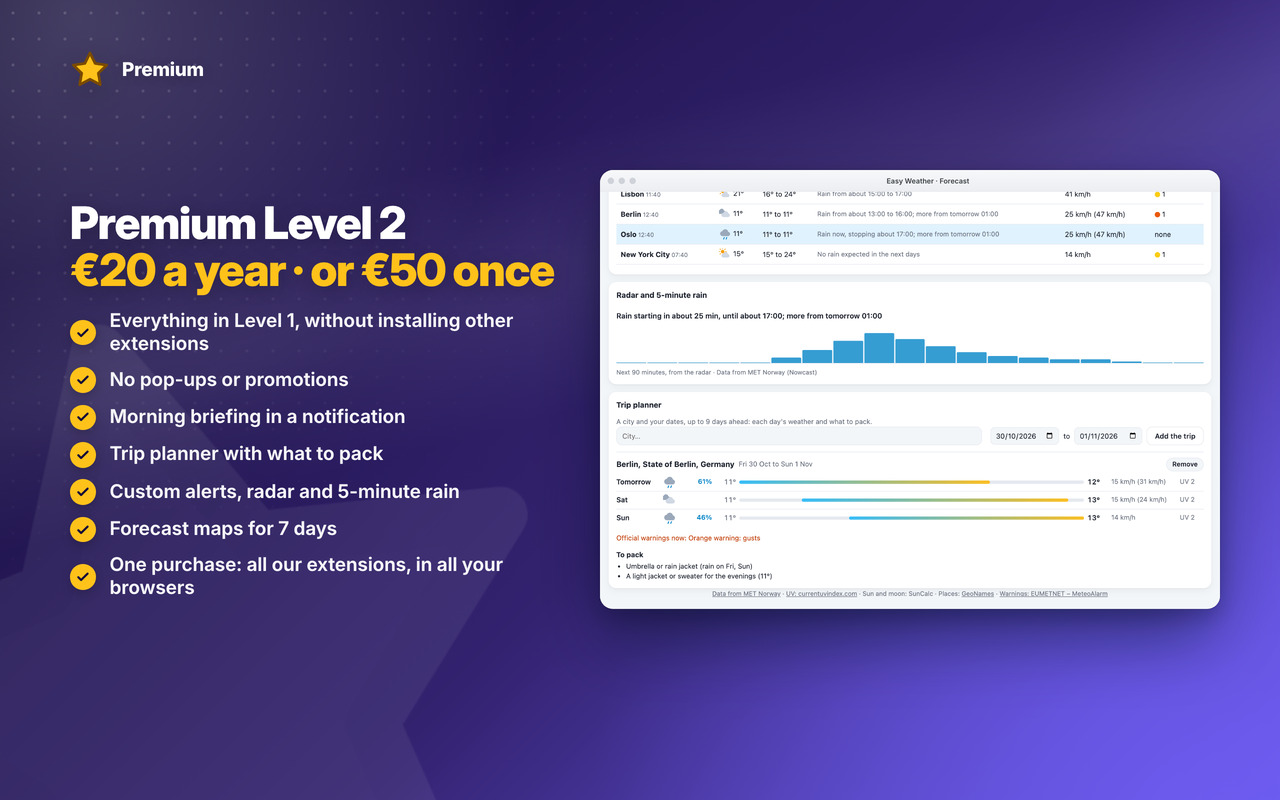
Premium Level 2

Premium Level 2 · €20 a year or €50 once

  • Everything in Level 1, without installing other extensions
  • No pop-ups or promotions
  • AI morning briefing (in Firefox: Morning briefing)
  • Trip planner
  • Custom alerts
  • Forecast maps for 7 days
  • Radar and 5-minute rain
  • Premium in all our extensions, in Chrome, Edge and Firefox, with one purchase
  • Early access to new features
  • Priority support by email
  • New Premium features included
"Good time to…" planner
What to wear
Radar

See all Easy Weather Premium features →


Changelog

v1.2 31/10/2026

🎉 First version: the temperature on your toolbar, the weather now, the next 48 hours and 9 days
☔ Rain timeline for the next 24 hours, and a notification when rain is about to start
⚠️ Official warnings from the national weather services of most of Europe, the USA, Canada, Mexico, Brazil, Japan, India and more, as notifications
🗺️ Weather map: satellite clouds, radar (USA, Germany, Canada) and the temperature now, in a tab or the side panel
🌅 Sun, moon and UV: sunrise, sunset, golden hour, moon phase and the UV safe hours
📍 3 places, your units, and the last forecast when you’re offline
⭐ Premium Level 1: 10 places compared, alerts with quiet hours, “Good time to…” planner, what to wear, map animation, lightning and 2-day forecast maps, storm and hurricane outlooks, your toolbar icon, the full forecast page, backup, themes
👑 Premium Level 2: morning briefing, trip planner, custom alerts, 7-day forecast maps, rain radar



Permissions

Browser Extension 💻 Win/Mac/Linux
  • “storage” – Used to save settings on your local computer: your places, units, alerts and the last forecast, to show it offline.
  • “unlimitedStorage” – Storage is limited to 10MB of data that may not be enough to store all configs: the forecasts and warnings of your places kept for offline use.
  • “alarms” – Used to refresh the forecast and the warnings every 30 to 60 minutes, and for the morning briefing and your alerts on time.
  • “notifications” – Used to send desktop notifications: official warnings, rain about to start, your own alerts and the morning briefing (each only if you turn it on), or when the App is updated.
  • “contextMenus” – Allows adding more settings when you right-click the App icon in the browser toolbar (Open the forecast, Rate, Go Premium).
  • “idle” – Used to pause the refreshes while the computer is idle or locked, so no data is used for nothing.
  • “geolocation” – Used for "Use my location", only when you click it, to show the forecast for where you are. Only the place's position, rounded to about 1 km, goes to the weather services, to get its forecast.
  • “system.display” – Used to detect the display size to open the full forecast window at a size that fits your screen.
  • “sidePanel” – Used to show the full forecast and the weather map in the browser's side panel, next to the page you read.
  • “host_permissions” – Permission to access the weather services the forecast and warnings come from (MET Norway, the US National Weather Service and NOAA's map services, Bright Sky with Germany's weather service, MeteoAlarm, Brazil's INMET, Environment and Climate Change Canada, the Japan Meteorological Agency, the Hong Kong Observatory, the national weather services of New Zealand, India, Indonesia, Mexico, the Philippines, Thailand, Colombia, Algeria, Argentina, Saudi Arabia, Chile and Singapore, and the UV index service), the weather map's services (the OpenFreeMap, VersaTiles and EOX base maps; the satellite, radar, lightning and forecast pictures of NASA, NOAA, EUMETSAT, the Iowa Environmental Mesonet, Germany's weather service and Environment Canada), and our own sites. Also used to show the Tips – Tricks – News and to allow intercommunication with other Oinkandstuff Apps.
  • 🐗 #OinkAndStuff is certified as 100% Free of malware 🐞 by Softpedia Labs 🔬