
URL Shortener Plus · Browser Extension 💻 Win/Mac/Linux
URL Shortener Plus 📌
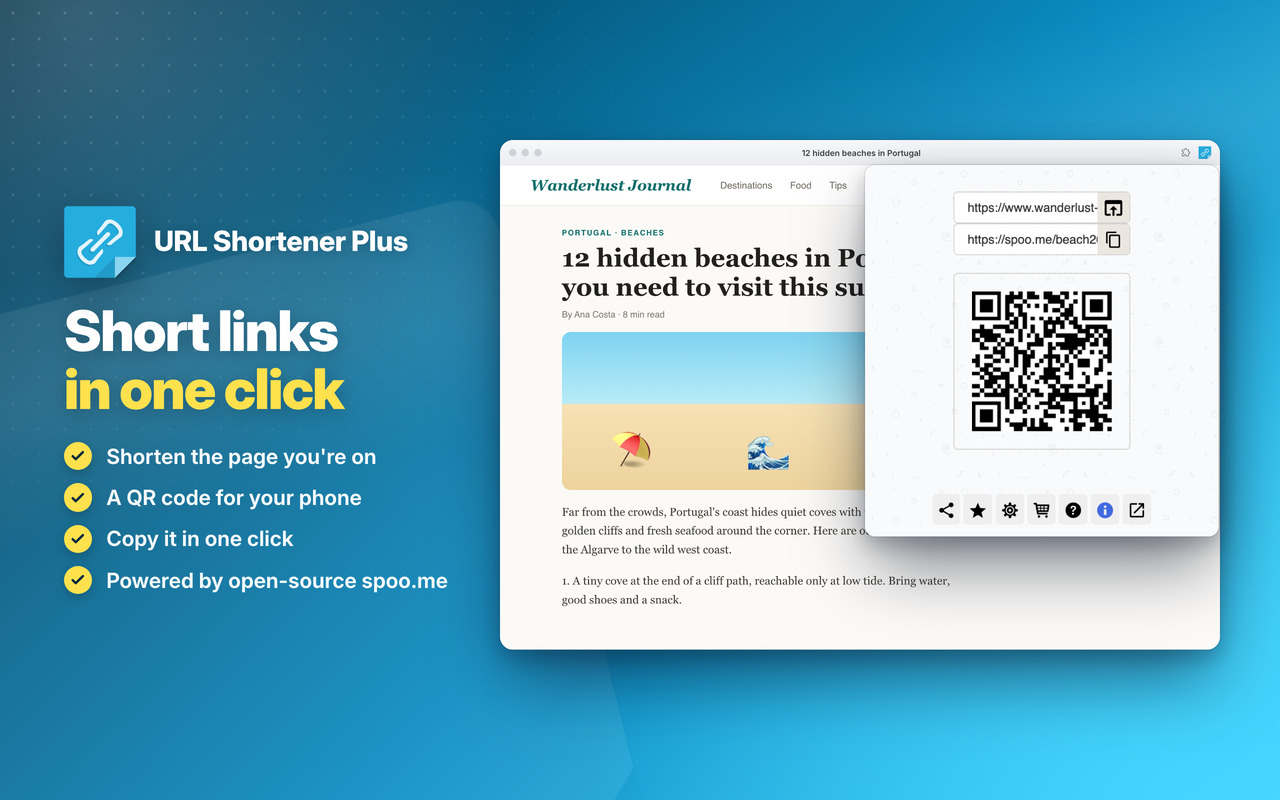
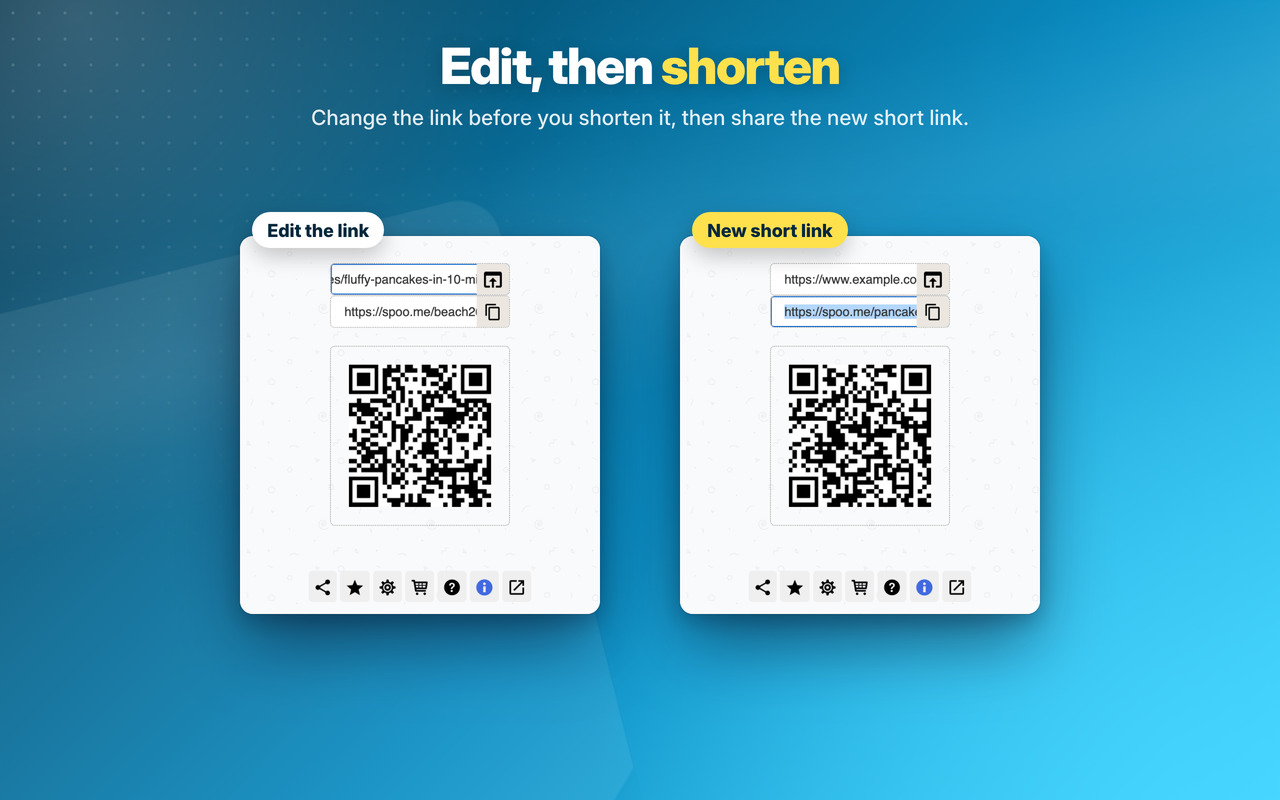
Shorten any link ⚡
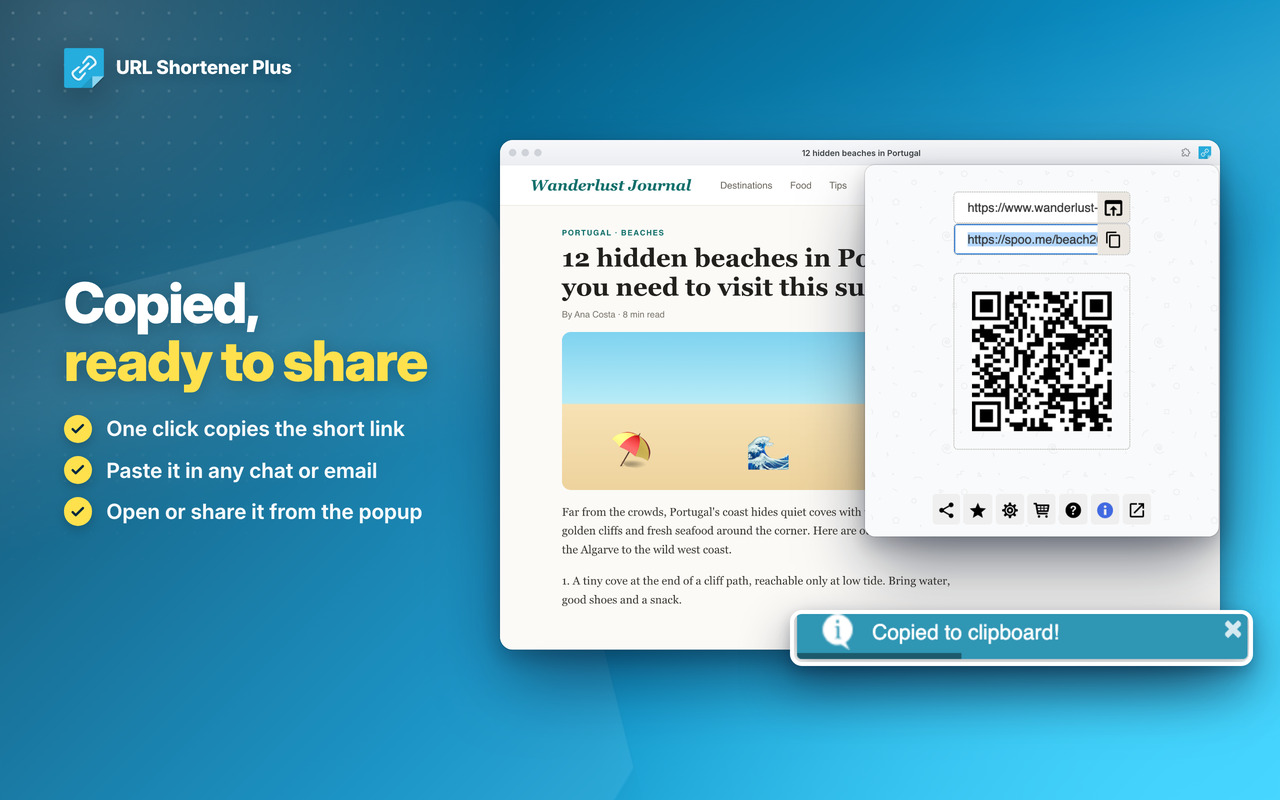
Copy in one click 🚀
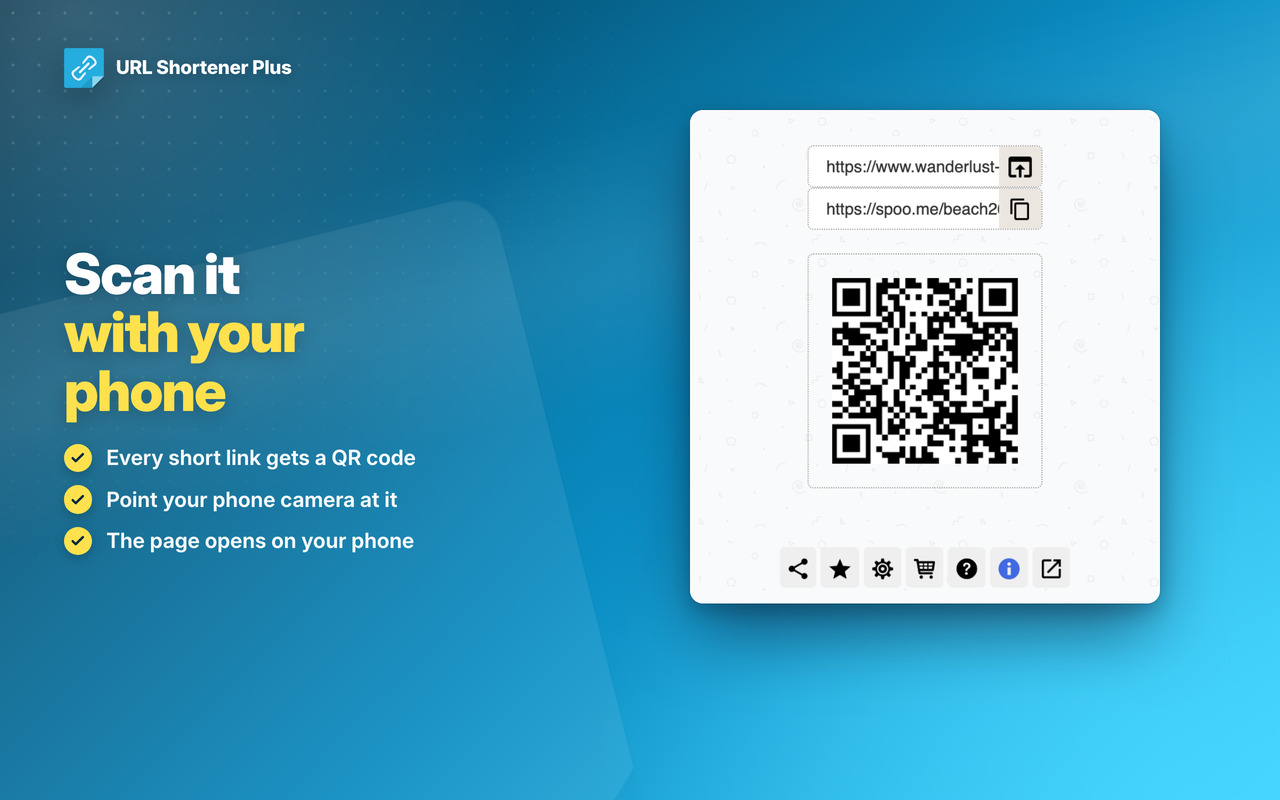
Generate QR code 📷
Non-intrusive in the App icon
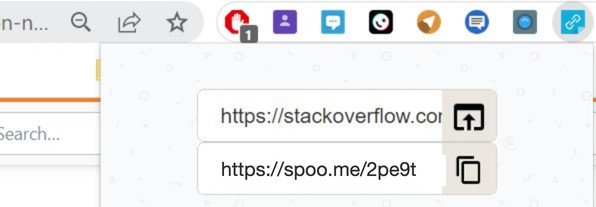
URL Shortener
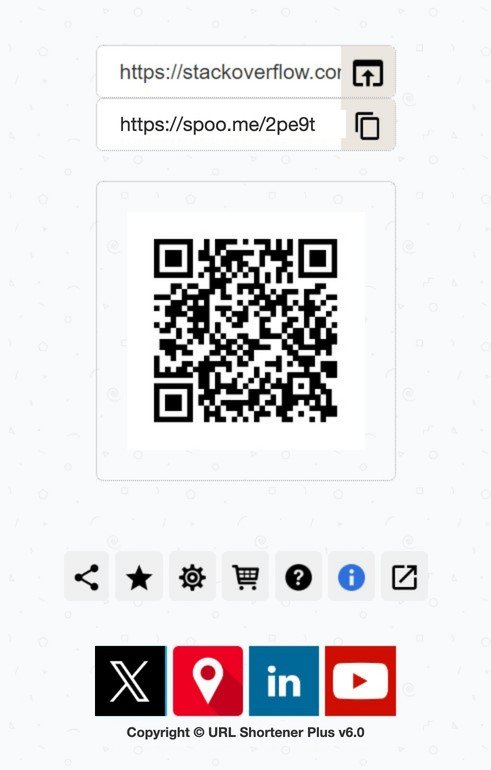
News Tips and Tricks
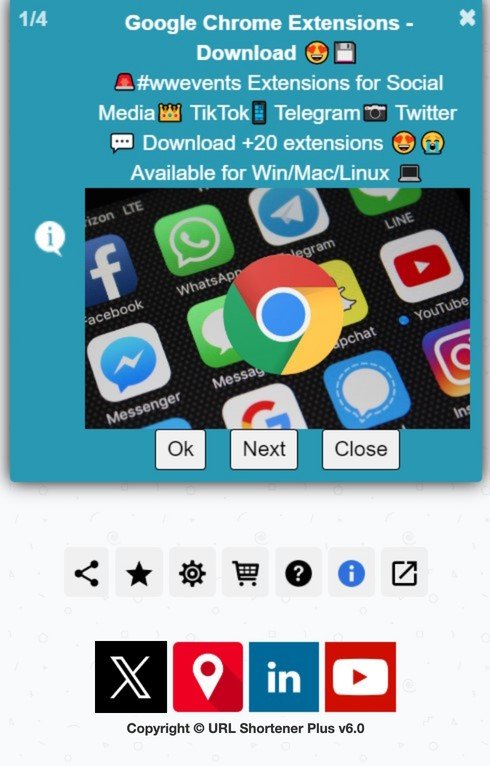
URL Shortener Plus
Two levels, in all our extensions: Premium Level 1 is free with any 3 of them installed, Premium Level 2 is €20 a year or €50 once.
The video and pictures show Web for Telegram and Multi AI Sidebar, two of our extensions.
Checkout shows the price in your own currency. Then, on the Premium page of any of our extensions (Premium Features in its menu, or its cart icon), click Already paid? Restore your purchase.
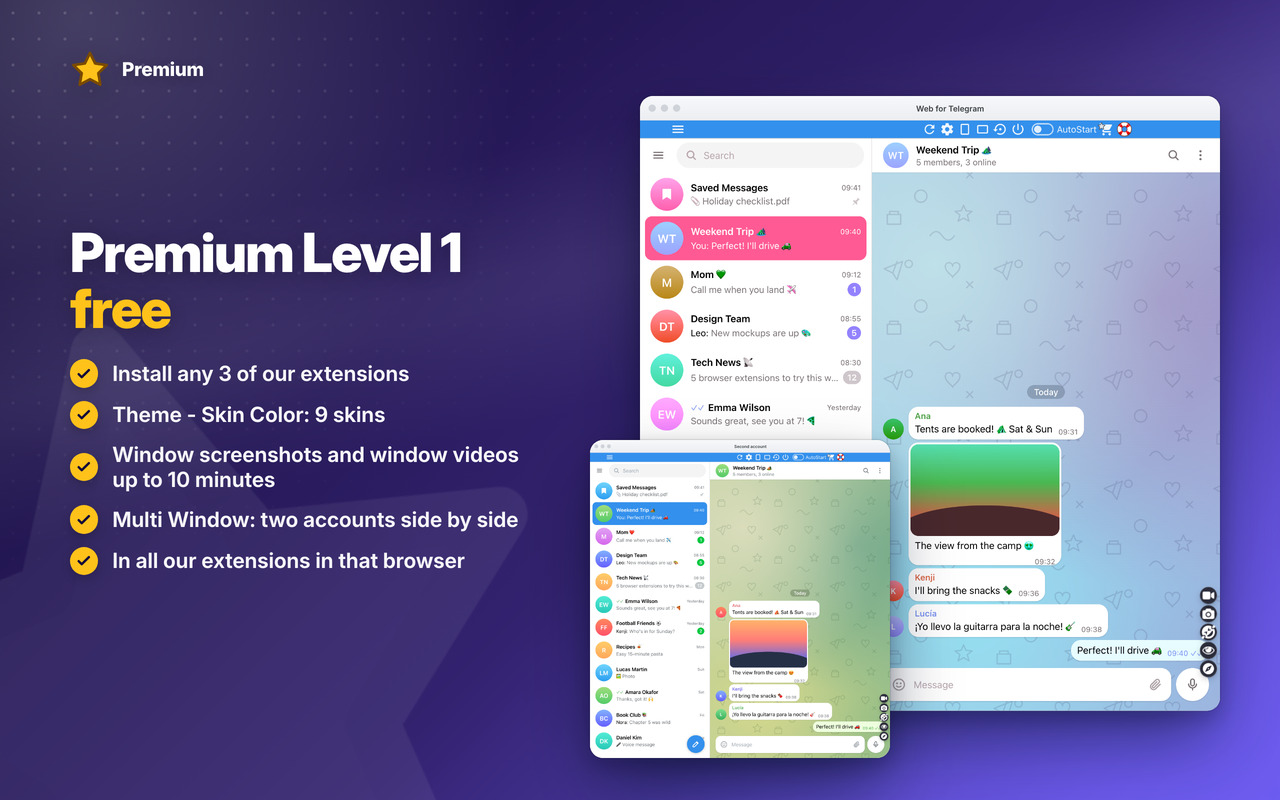
Premium Level 1 · free
With any 3 of our extensions installed, in that browser:
- No reminders to install our other extensions
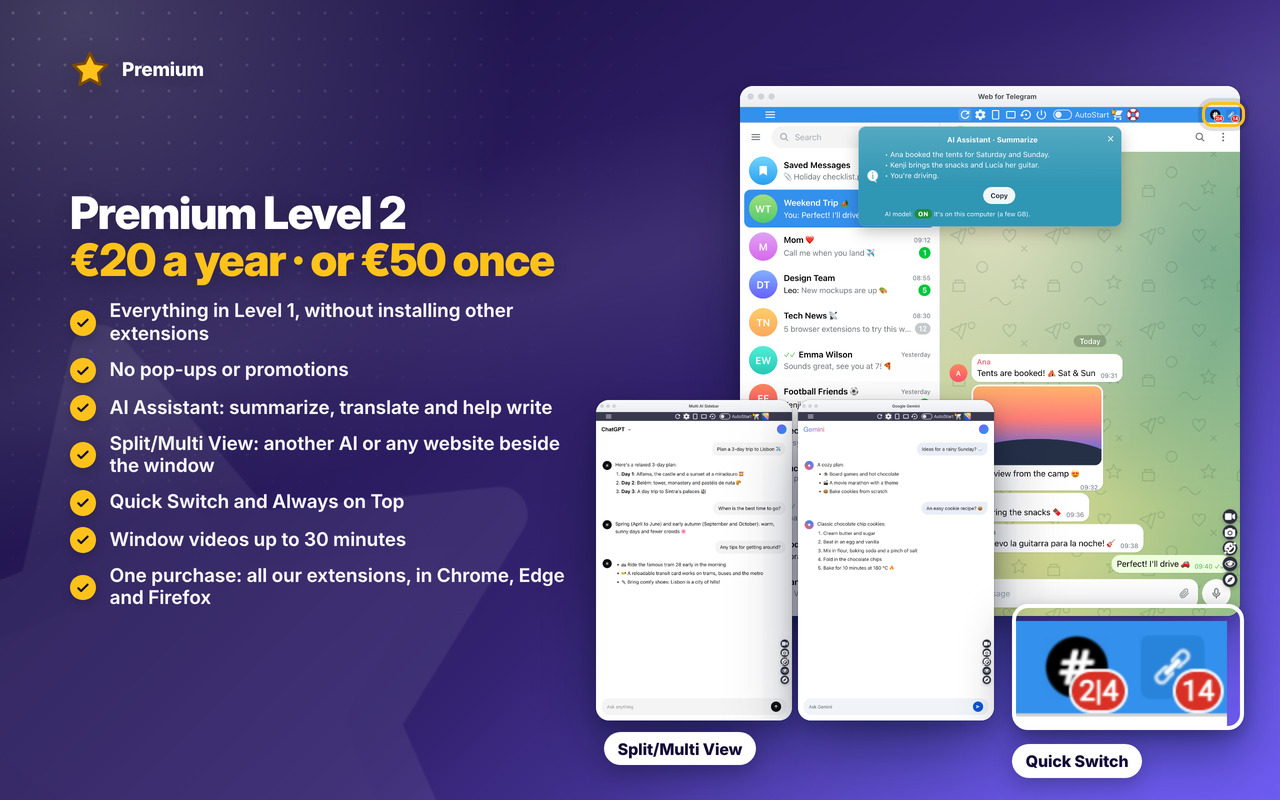
Premium Level 2 · €20 a year or €50 once
- Everything in Level 1, without installing other extensions
- No pop-ups or promotions
- Premium in all our extensions, in Chrome, Edge and Firefox, with one purchase
- Early access to new features
- Priority support by email
- New Premium features included
Changelog
v6.1 27/10/2026
⭐ NEW Premium: Level 1 stays free with 3 of our extensions installed; the paid Level 2 has no pop-ups or promotions and unlocks Level 2 in all our extensions
⭐ NEW on the Premium page: see Premium in action (video and pictures) and every feature in detail, with a live clip
😎 The catalog has our 3 new extensions: Easy Ad Blocker, Easy Video Downloader and Easy AI Writer
✨ NEW look for the messages and the Mini Tutorial: light cards, the main button in colour, the page dimmed around each step
🐞 On browser pages (settings, a new tab…) the popup now tells you that only web pages can be shortened
🔒 No more warnings on the extension’s Errors page
OLDER
v6.0 09/10/2026
🐞 Edge: right-click menu reads “Open URL Shortener Plus” (the space was missing)
🐞 The mini tutorial’s close button shows “×” again (it showed “×”)
🐞 News & Tips messages show at most once a day
✨ NEW modern look for the messages and the mini tutorial: rounded, with a soft shadow and round buttons
🔒 Security improvements and no more warnings on the extension’s Errors page
v5.8 21/09/2026
👻 TinyURL is deprecating old API forcing to preview before jump to link.
🚙 Extension now uses spoo.me URL shortener. Open source project and reliable.
v5.7 02/06/2024
📚 Google API to generate QRCode was shut down. Replaced by internal JS library that will work forever. Feature to QECode link with smartphone camera.
⚡ Updated Jquery from 3.6.4 to 3.7.1
v5.6 28/03/2024
🔗 Fixed Chrome links for the new WebStore Link format from chrome.google.com/webstore to chromewebstore.google.com => https://chromewebstore.google.com/detail/ghkafclcjholabkaldcjpcojoegcfdcl
📰 Auto-copy to clipboard the short-URL when Extension opens. Make extension easier and faster to use
🐞 Some bugfixes and improvements
v5.5 – 10/02/2024
🚧 Updated performance and bugfixes.
v5.4 – 10/04/2023
🧊 Manifest V3: Mv3💎
🚧 Updated Jquery library to v3.6.4
🚨 Updated IntroJs library to v6.0.0
😁 Updated Jquery-ContextMenu library to v2.9.2
💬 Updated Toastr library to v2.1.4
v5.1 – 16/05/2022
🧊 Fixes some bugs and performance improvements.
💣 Fixed some interface issues.
🚧 Major improvements on Edge and Firefox browser extension
💎 Use Firefox or Edge Browser for the best performance and latest features 💎
v5.0 – 22/04/2020
🚨Google Chrome Users🚨
💣 This is the new generation of the extension that starts at V5.0. If you have an older version than this, please remove it and add this extension.
🤴 This new version is the one that will be supported from now on. The older versions will not be supported anymore and is not available anymore in the Store.
😍 Install this new version.
v1.0 – 19/07/2019
🚨 First Release.
