
Browser Extension 💻 Win/Mac/Linux for Emoji Keyboard
Unicode 17.0 support 😲
Automatic Copy-Paste 📋
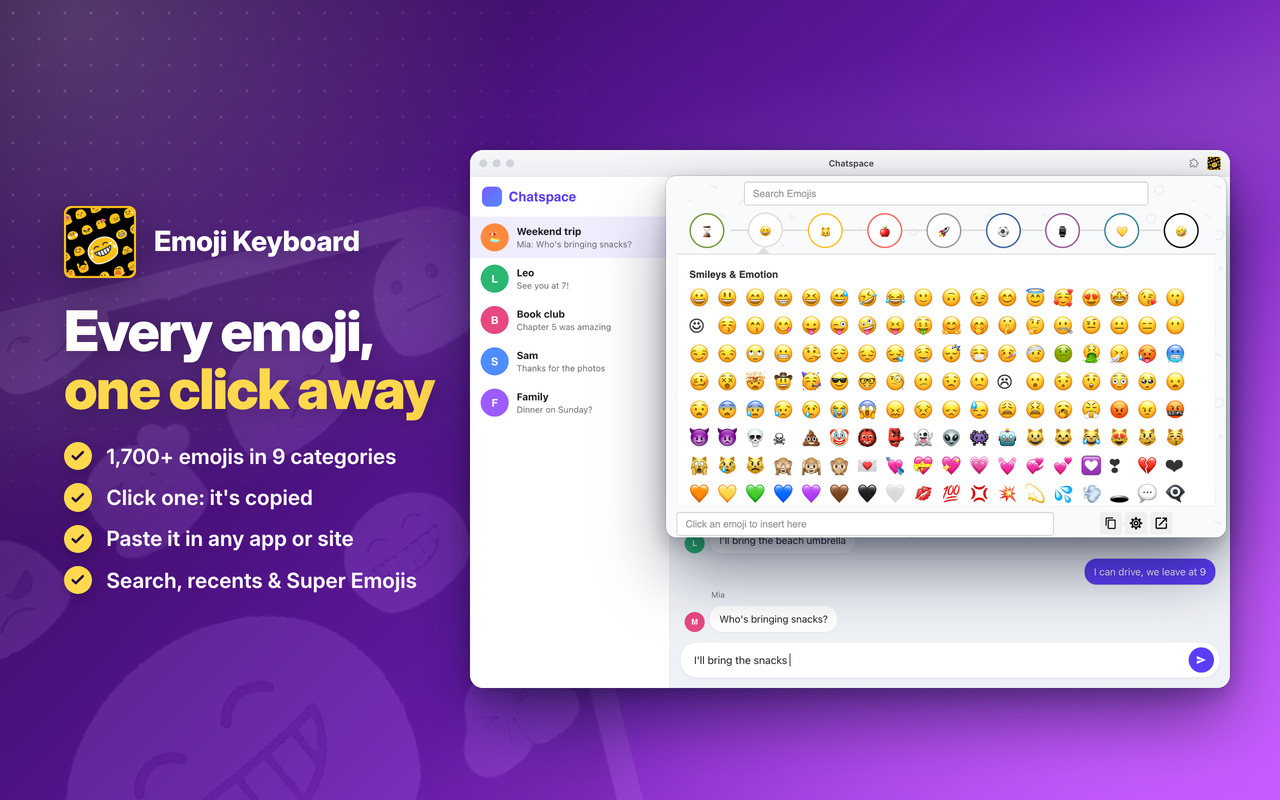
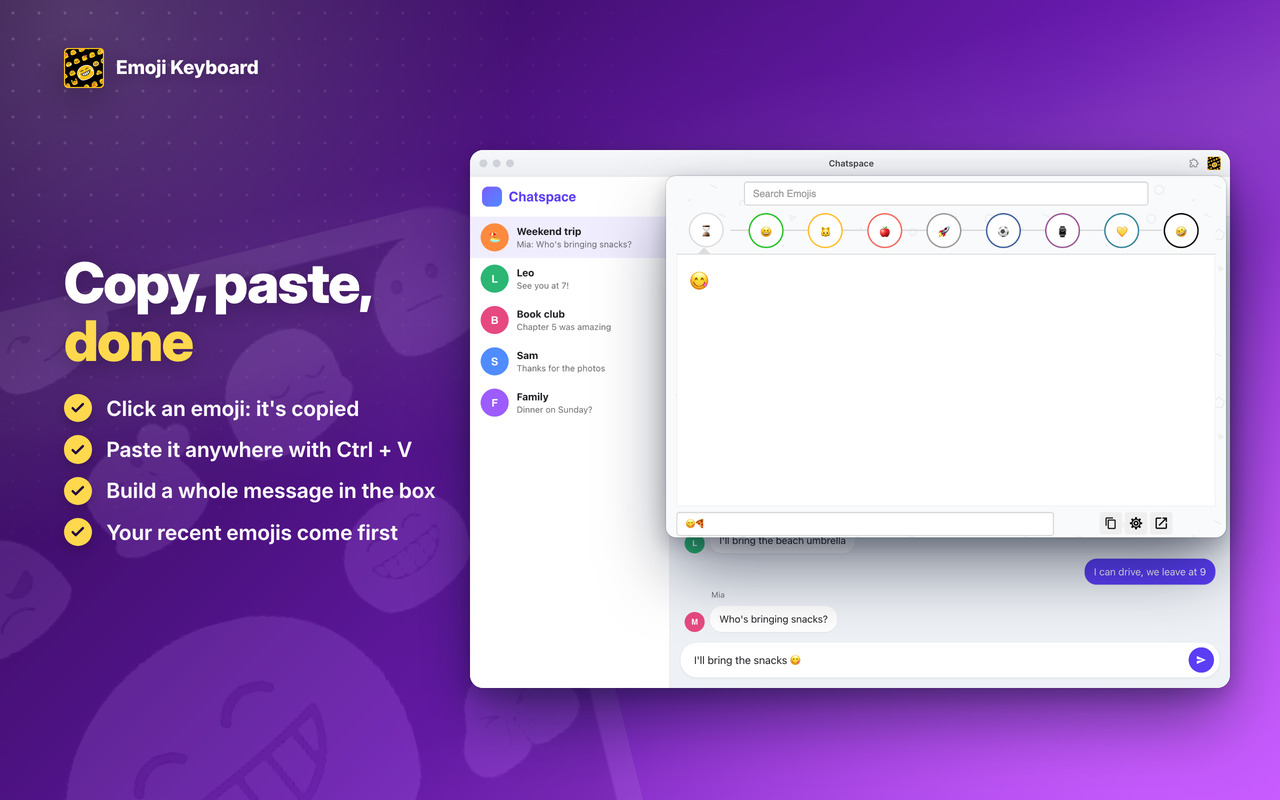
Click an emoji and it’s copied ✨ Paste it anywhere with Ctrl + V (⌘ + V on Mac), or build a whole message and copy it in one click 📝
Frequently used Emojis ⌛
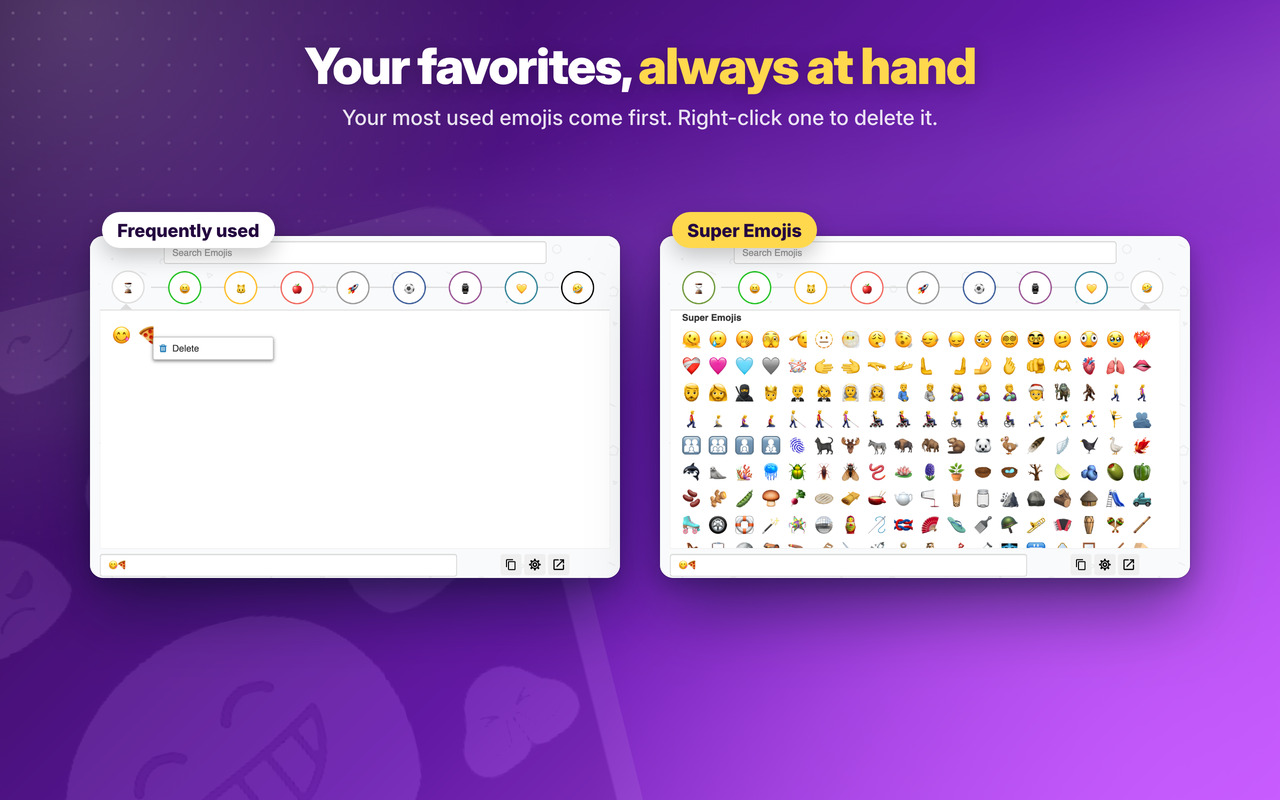
Your favourites always at hand: right-click › Delete to remove 🚽 the ones you don’t want there
Supported on iOS, Android, macOS, Windows, and Linux 💡
Works 🎯 on any app or website where you can type 📢 Chats, posts, emails and comments, and in our chat apps the emoji goes straight into the message box
Search Emojis 🔎
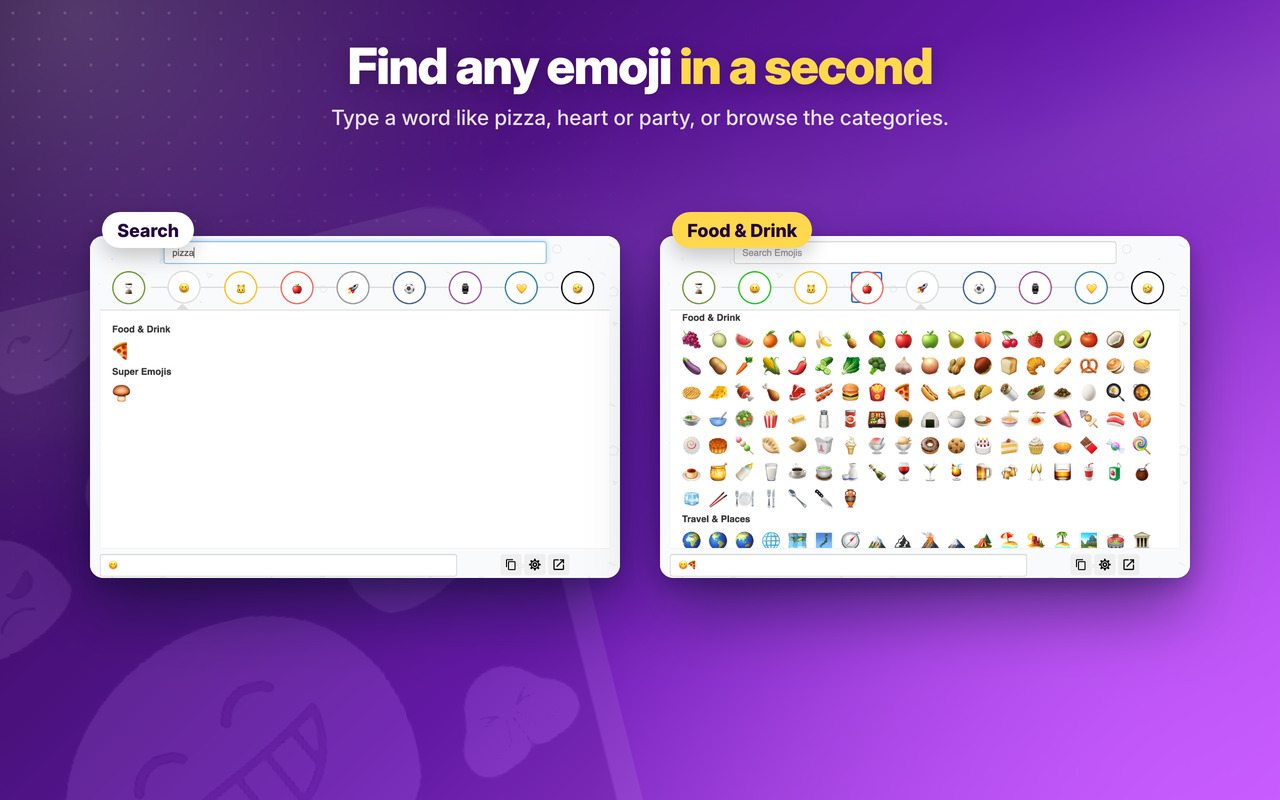
Full text search 🛴 for any emoji (English) for faster finding ⏳
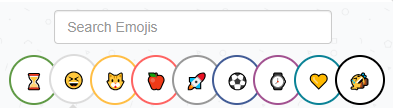
Unicode 11.0 and 12.0 support 🌅
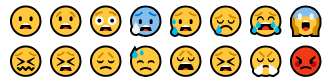
Unicode 13.0, 13.1, 14.0, 15.0, 15.1, 16.0 and 17.0 support 🤩
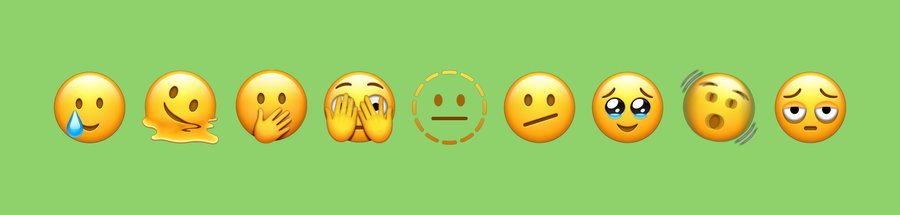
Emoji Keyboard
Changelog
v5.9 - 30/10/2025
⚡ Updated introJS from 7.2.0 to 8.3.2
🐞 Round of Bugfixes
🛬 Performance improvements
🚀 Introduced Unicode 16.0 and 17.0 with almost 20 new emojis 🚀
⏩💎 Updated with Unicode 16.0 and 17.0 for 2025 and 2026 Emojis. Must use latest Windows 11 or MacOs Sonoma or newer to view them.
⏩⭐ Unicode 11.0 and 12.0: Run Windows 7, 10 or newer to see them.
⏩⭐ Unicode 13.0, 13.1, 14.0 and 15.0: Run Windows 11, MacOS Ventura or newer to see them.
OLDER
v5.8 – 05/06/2024
⚡ Updated Jquery from 3.6.4 to 3.7.1
⚡ Updated introJS from 6.0.0 to 7.2.0
⏩💎 Updated with Unicode 15.1 for 2024 Emojis. Must use latest Windows 11 or MacOs Sonoma to view them.
⏩⭐ Unicode 11.0 and 12.0: Run Windows 7, 10 or newer to see them.
⏩⭐ Unicode 13.0, 13.1, 14.0 and 15.0: Run Windows 11, MacOS Ventura or newer to see them.
v5.7 – 28/03/2024
🔗 Fixed Chrome links for the new WebStore Link format from chrome.google.com/webstore to chromewebstore.google.com => https://chromewebstore.google.com/detail/cifkbafiiegeimphnpgcomajaciffdgb
🐞 Some bugfixes and improvements on the emoji interface
🧲 Version V5.6 had huge upgrade making this extension the best on the WebsStore:
⏩🏴☠️ Added all Flags, including countries flags.
⏩💎 Updated with Unicode 15.1 for 2024 Emojis. Must use latest Windows 11 or MacOs Sonoma to view them.
⏩⭐ Unicode 11.0 and 12.0: Run Windows 7, 10 or newer to see them.
⏩⭐ Unicode 13.0, 13.1, 14.0 and 15.0: Run Windows 11, MacOS Ventura or newer to see them.
v5.6 – 09/02/2024
🏴☠️ Added all Flags, including countrys flags.
💎 Updated with Unicode 15.1 for 2024 Emojis. Must use latest Windows 11 or MacOs Sonoma to view them.
⭐ Unicode 11.0 and 12.0: Run Windows 7, 10 or newer to see them 🤓
⭐ Unicode 13.0, 13.1, 14.0 and 15.0: Run Windows 11, MacOS Ventura or newer to see them 🤓
v5.5 – 29/03/2023
Super Emojis tab:
⭐ Unicode 11.0 and 12.0: Run Windows 7, 10 or newer to see them 🤓
⭐ Unicode 13.0, 13.1, 14.0 and 15.0: Run Windows 11, MacOS Ventura or newer to see them 🤓
🚧 Updated Jquery library to v3.6.4
🚨 Updated IntroJs library to v6.0.0
😁 Updated Jquery-ContextMenu library to v2.9.2
💬 Updated Toastr library to v2.1.4
v5.1 – 16/05/2022
🧊 Fixes some bugs and performance improvements.
💣 Fixed some interface issues.
🚧 Major improvements on Edge and Firefox browser extension
💎 Use Firefox or Edge Browser for the best performance and latest features 💎
v5.0 – 16/04/2020
🚨Google Chrome Users🚨
💣 This is the new generation of the extension that starts at V5.0. If you have an older version than this, please remove it and add this extension.
🤴 This new version is the one that will be supported from now on. The older versions will not be supported anymore and is not available anymore in the Store.
😍 Install this new version.
v2.7 – 04/10/2019
🐞 Improvements for Messenger, Twitter, Skype and Instagram.
💣 On this websites emoji is always placed at the end of the string.
🤴 Be aware that on this website you may have to input some text before inserting an emoji.
v2.6 – 22/09/2019
😀 Minor bugfixes
😎 Fixed Emojis for YouTube not working
😱 performance improvements
😋 Options/settings improved
v2.5 – 22/08/2019
😍 Support for 70+ new Emojis
😂 Inclusion of Unicode v12.0 unlock this new emojis
🚨 Must have Windows 10 May 2019 Update or Linux/Mac equivalent in order to see them all
❌ Improvements on emoji search with case insensitivity searches and a delete all text button
✅ Improvements in transition between Most Frequent used emojis and Search.
v2.4 – 10/07/2019
😎 Improvement compatibility with more sites.
💀 Copy-paste always will work even for offline Apps like Notepadd++ or Word.
👽 More 2 options on Settings icon.
v2.3 – 17/04/2019
💩 Minor bugfixes.
🤖 Improvements on the welcome screen on the first installation.
🛴 Minor performance improvement.
v2.2 – 09/04/2019
🤩 Upgrade of the Material Design from v0.34.0 to v1.1.0 – the latest version.
😇 Improved layout and default window size is now bigger to adapt to bigger screen but maintaining the smartphone portrait layout.
🤠 Options page layout also improved a bit.
💀 Removed oinkandstuff Google+ (rest in piece) and replaced by our linkedin page. Give us a follow on Linkedin.
🥋 Removed CSS from unused paged that lead to better performance.
🐞 For any bugs contact us by Social media, email or contact form.
v2.1 – 11/03/2019
💩 Fix for the new Skype.
v2.0 – 20/02/2019
😍 Improvements over the last update. Compatibility with all Apps and websites improved.
v1.9 – 18/02/2019
😍 Huge update!
😃 Support for Unicode 11.0 for the latest new emojis (and planned support for Unicode 12.0)
😱 Because of that there are 100 new emojis
😵 Search bar where you can search for emojis in English. Wide support of words
😶 Mouse on hover an emoji it will show a description of that emoji
v1.8 – 03/02/2019
😵 Better integration with all oinkandstuff extensions.
v1.7 – 07/01/2019
🍀 Creation of a Mini Tutorial in settings that explain extension usage.
👑 Improvement with better integration with Social Media Networks.
🚀 Created background support for all oinkandstuff extension integrate emojis through this extension. A new icon will show on the bottom right that will open the Emoji extension.
🔥 Support our work by giving us ⭐⭐⭐⭐⭐ 5 stars: here🍀🚀
v1.6 – 26/11/2018
🚧 Generic minor bugfixes.
👑 Performance improvements (10%)
🔥 Right click on App icon opens context menu so that you can rate the extension on the webstore. Please support our work by giving us ⭐⭐⭐⭐⭐ 5 stars: here
v1.5 – 17/09/2018
⚡ Instant Messages reactivated. A popup occasionally may show when App starts with important information. On 3 dots (settings) -> OinkAndStuff News is also working again 😇
😭 Support our work by following us on Facebook, Youtube, Instagram, Twitter. Its important so that we can continue to improve our Apps with new and exciting features 😉
🐞 Minor bugfixes and some performance improvements (10%)
🏆 Improvements to be fully compatible for the new Chrome 69, 10th anniversary.
v1.4 – 14/05/2018
⚡ Offline: The App works offline and shows in the Chrome Web Store as ⚡ Offline ready.
🥤 Follow us on Facebook, Twitter, Instagram, Youtube for the latest releases and tips and tricks.😑
v1.3 – 10/05/2018
😑 Improved opening performance for faster opening.
🥤 Follow us on Facebook, Twitter, Instagram, Youtube for the latest releases and tips and tricks.😑
v1.2 – 23/02/2018
🤩 New Feature: Fast Access by Context Menu. Right click on a Page and open the Extension.
📢 Check our Youtube channel to see a tutorial for this and other features.
🚩 Make sure to Subscribe it because we will be releasing there all the explanations and tutorials about current and future features.
🛒 Improved the Premium features section. Click on the 🛒 (shopping cart) icon on the Top Bar to explore this section.
💼 Now it includes a tutorial with Google Pay and some Exclusive FREE and Premium features.
🐞 Bugfixes and improvements on all scripts.
v1.1 – 06/02/2018
🥊 Added 100 new emojis 🤩
🤑 New section: Super Emojis 🤩🤯🤪🤬🤒🤢🤑🤓🧙🧚🧛🧟🏹🛒
🍭 Must install Unlock Premium Content to unlock Super Emojis
v1.0 – 01/02/2018
😄🐘🎮🍎🚀 First release
