
Web for Telegram · Browser Extension 💻 Win/Mac/Linux
Telegram 💬
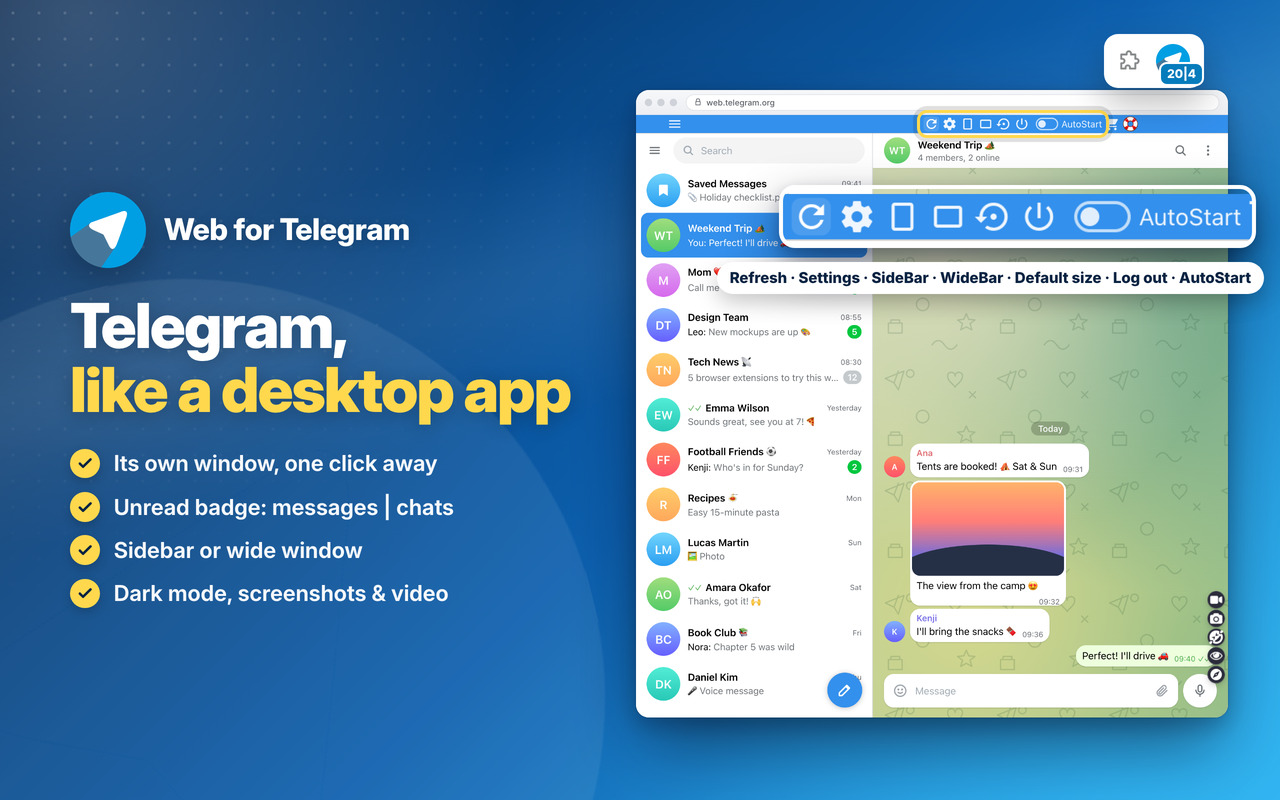
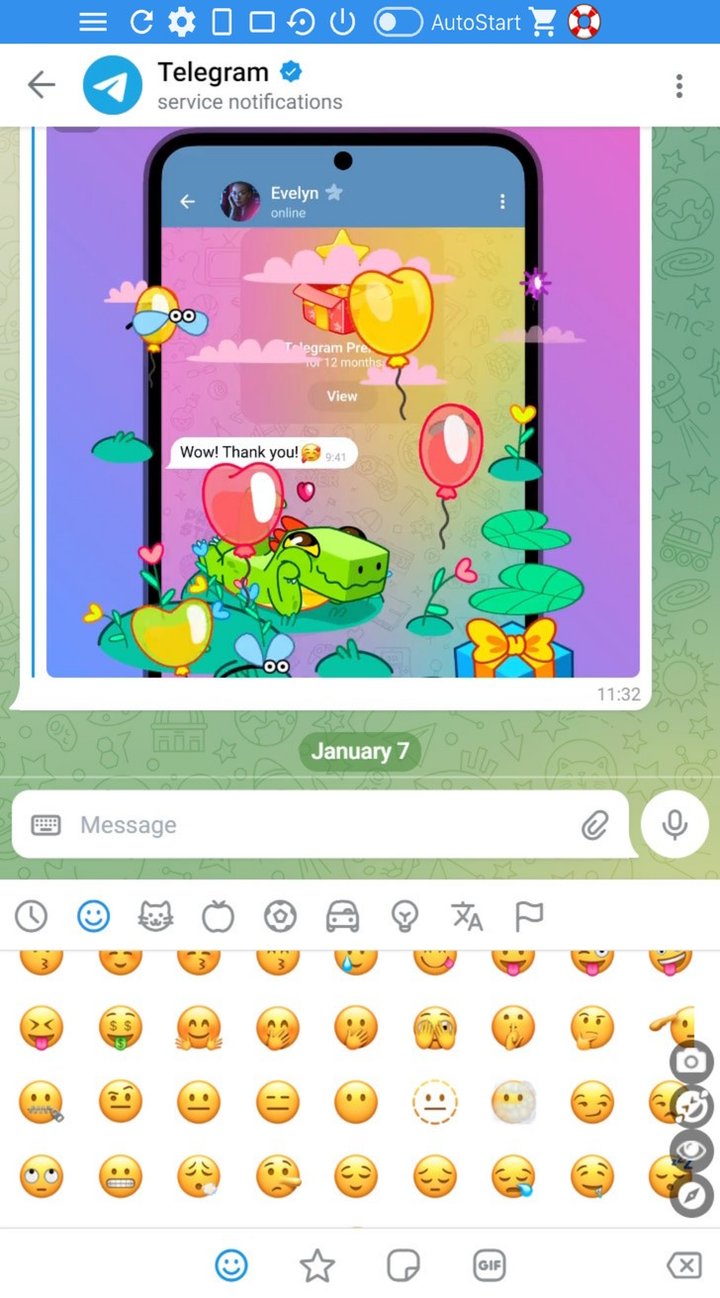
Chat in Telegram on your computer, just like on your phone 📱
Chats, groups and channels, voice messages, stickers and files up to 2 GB, all in sync 🤓
Sidebar 📌
Put the window where you like: its size and place are saved for next time 🤔
SideBar or WideBar in one click, and back to the default size in one more 📐
Security 🔒
You sign in directly on the official Telegram™ site, for maximum security: no passwords shared with third-party apps 🔑
Settings 🚧
Auto-Start with the browser (On/Off), and a Refresh button 🙃
In the side menu: NEW Dark Mode, 9 skins, 2 accounts side by side, Incognito, screenshot and video of the window 🔎
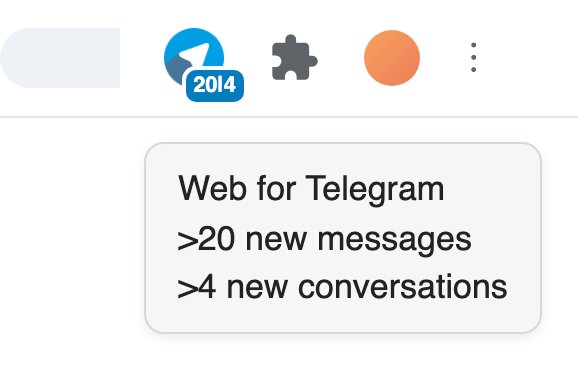
Real-time non-intrusive notifications in the App icon
Premium Features
Telegram on Computer
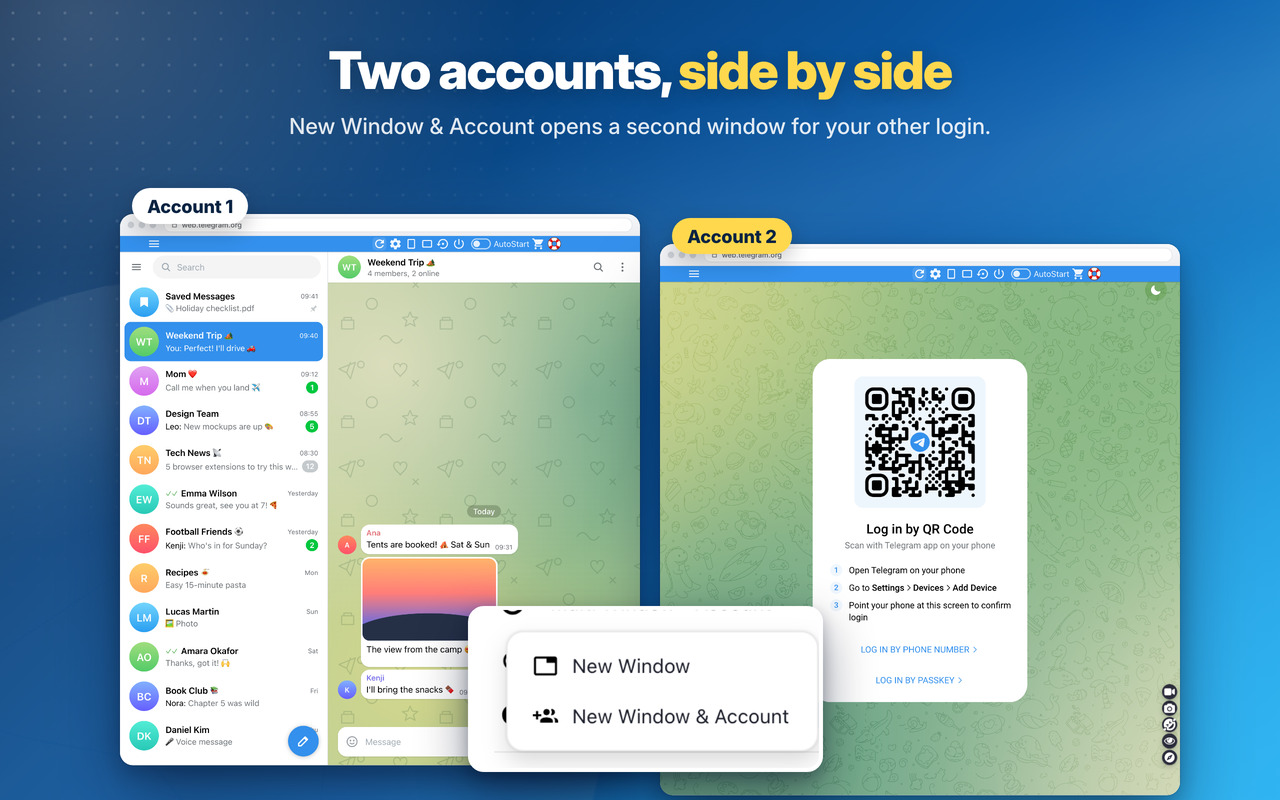
Multi Window - Account 👥
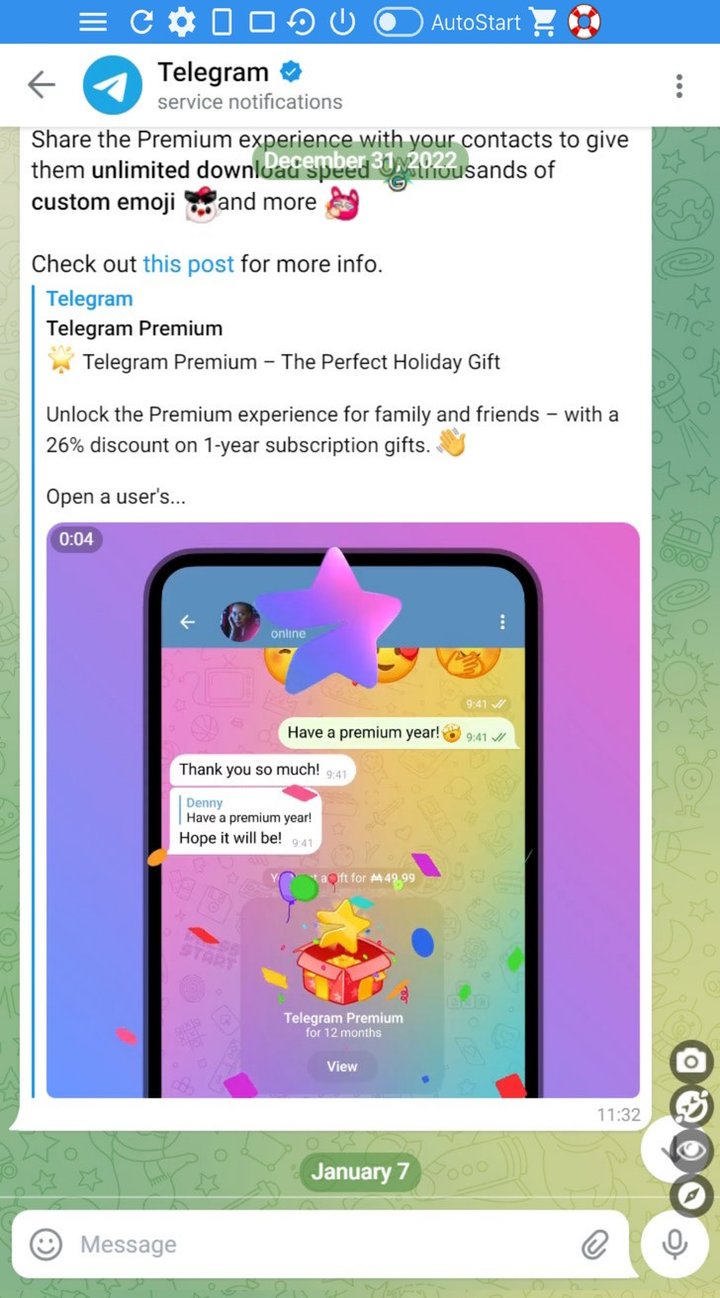
A second window, or 2 different accounts at the same time, side by side 👥
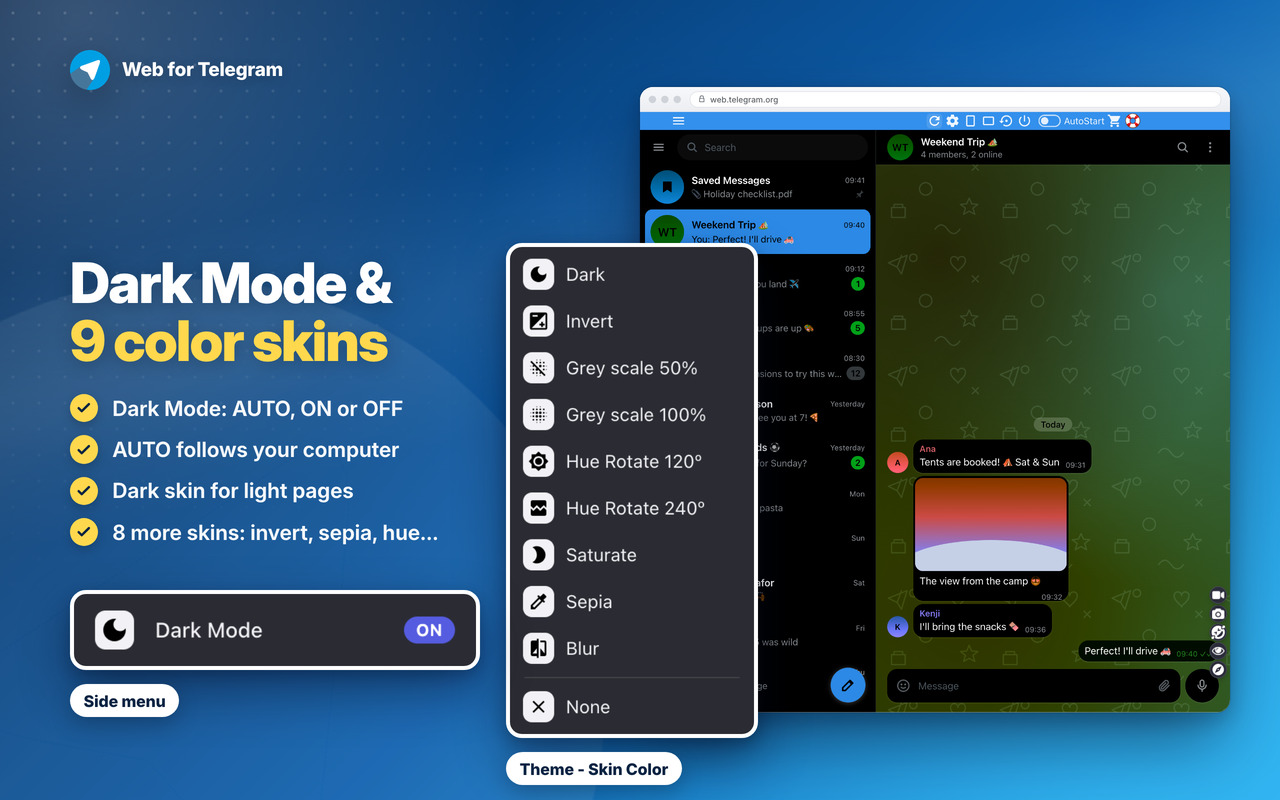
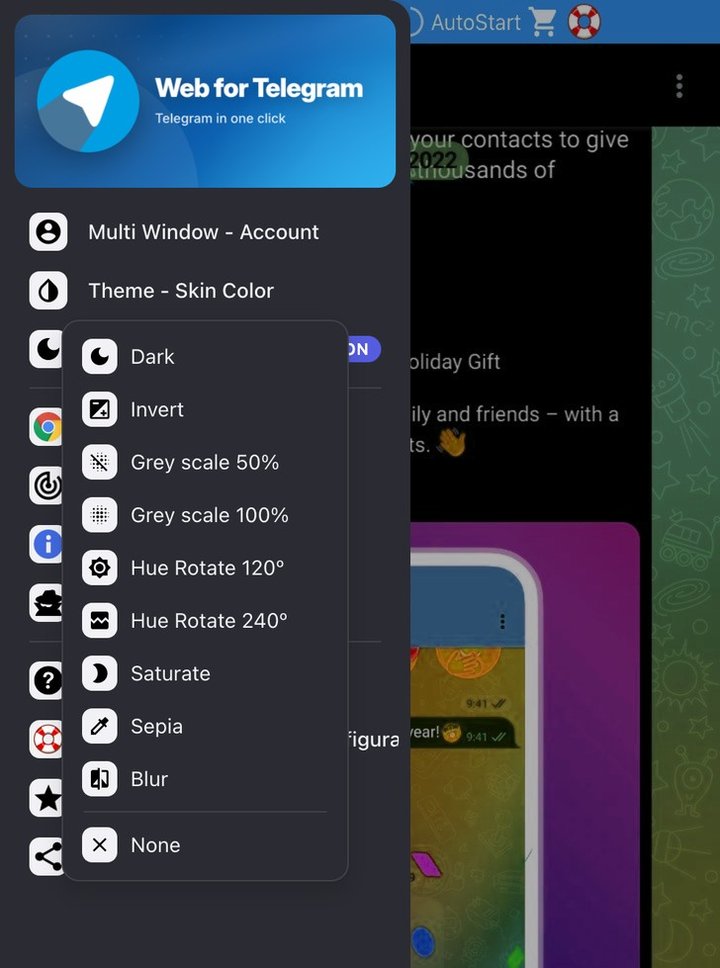
Theme - Skin Color and Dark Mode 🌙
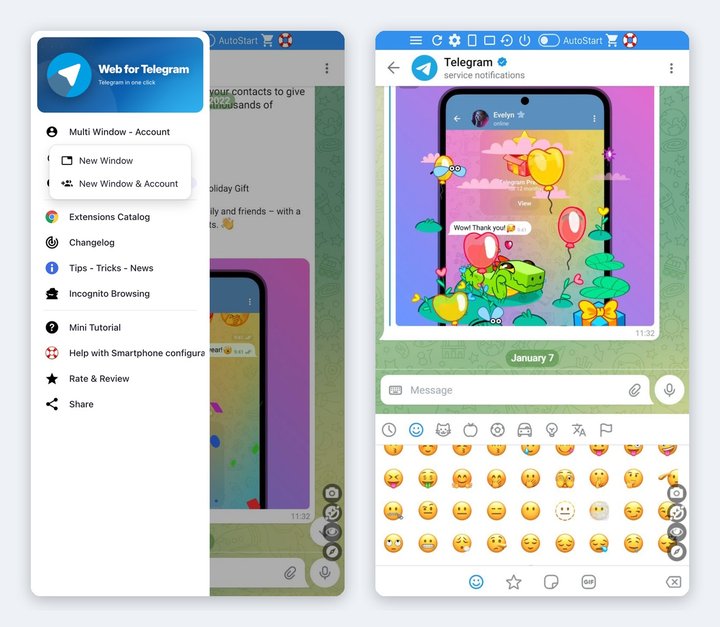
9 skins, including the NEW Dark skin, and NEW Dark Mode: AUTO (like your computer), ON or OFF 🎨
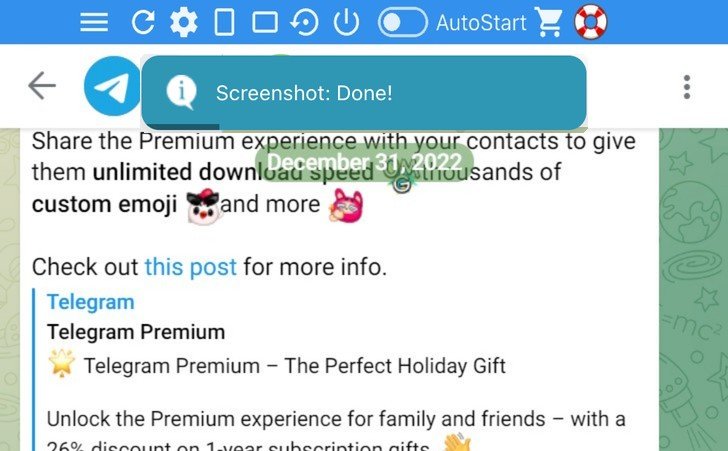
Window Screenshot 📷
Save the whole window as an image in one click 📷
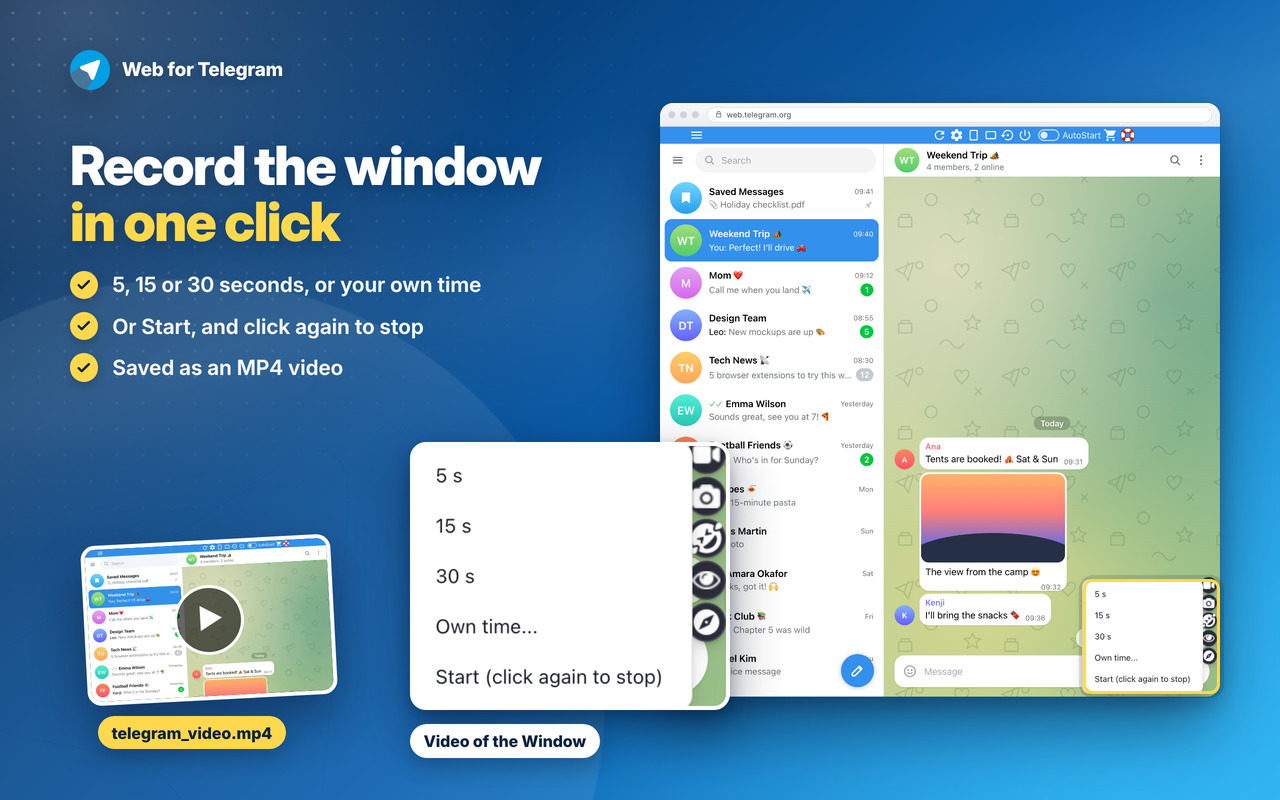
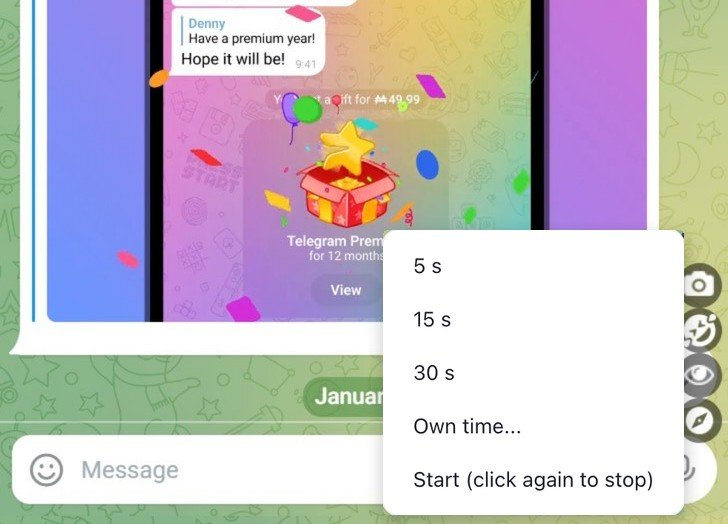
Video of the Window 🎥
Record it for 5, 15 or 30 seconds, or your own time, saved as MP4 🎥
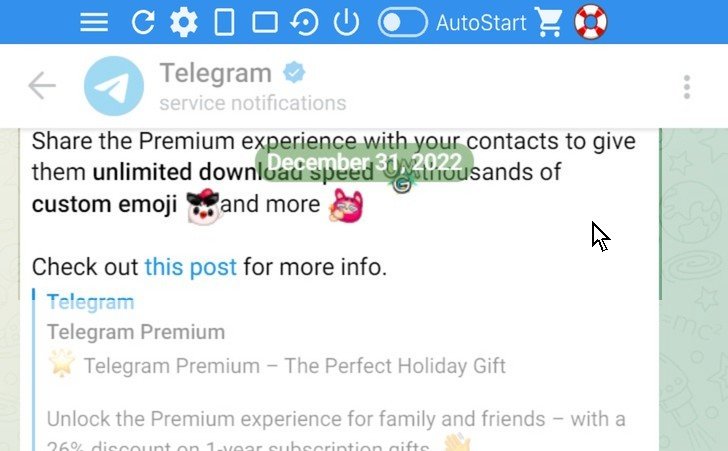
Incognito mode 🕶️
The page stays dimmed until you point at it 🕶️
Smartphone Configuration 📱
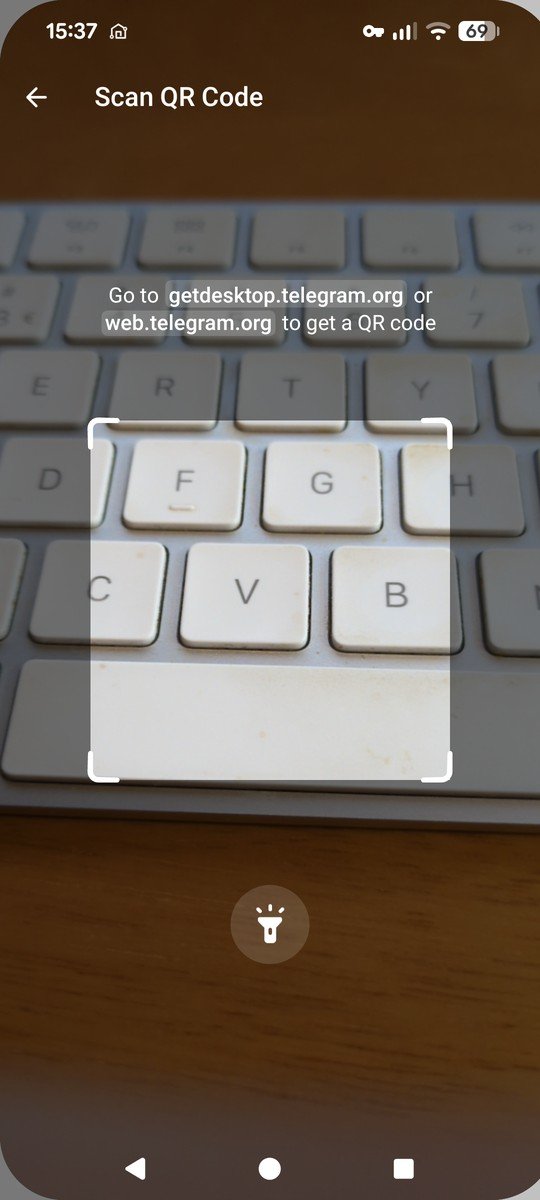
The steps to log in to Telegram with your phone: scan the QR code 📱
Web for Telegram
Changelog
v7.0 - 09/10/2026
🌙 NEW Dark Mode in the side menu: AUTO (like your computer), ON or OFF
🌑 NEW Dark skin: makes light pages dark and leaves dark pages as they are
📐 NEW top-bar button: the window goes back to its default size and position in one click
🖥️ The window grows on bigger screens (1440p, 4K), in its usual place
🛟 Safer window: if a monitor is unplugged or the place doesn’t fit, the window opens on the main screen instead of not opening
🎥 NEW Video of the window: 5, 15 or 30 seconds, your own time, or start and stop yourself (saved as MP4)
🎓 The mini tutorial now shows every option: the side menu (Theme – Skin Color, Multi Window – Account, Incognito, Changelog…) and the new buttons, without scrolling the page
🔄 Edge: after an update or a restart, the open window shows “click here to reload”, so the top bar keeps working
📱 NEW “Smartphone Configuration”: today’s steps to log in with your phone (QR code, phone number code, passkey) and to end sessions remotely. Open it from the 🛟 button in the top bar or the side menu
👥 NEW “New Window & Account”: open a second window with another account, side by side (allow the extension in private windows: “Allow in InPrivate” on Edge, “Run in Private Windows” on Firefox)
🪟 New Window opens a little to the side, so you see both windows
🎨 Theme – Skin Color reworked: the skin covers the whole site while the top bar and menus keep their colours, “None” really clears it and “Invert” is now a real dark mode 🌙
🔗 Right-click › “Open in Web for Telegram” now also on t.me and telegram.me links (Edge: also web.telegram.org)
🔔 The icon badge counts your unread chats again, on both Telegram versions (muted chats are not counted, like in Telegram)
🐞 Round of Bugfixes: the top bar shows on the first open, SideBar/WideBar work at the first click after you resize the window, Screenshot always takes the extension window
🖼️ News & Tips: pictures load on every site and the messages show at most once a day
🎓 Mini tutorial and popup buttons look right on every site
📐 Top bar: the menu button sits in line with the other buttons on every site, and nothing under the bar blocks clicks on the page
🔒 Security improvements and no more warnings on the extension’s Errors page
OLDER
🐞 Fixed logoff button not working
🚀 Fixed for the new web interface. Some adjustments for seamless integration within the extension
v6.3 – 30/10/2025
⚡ Updated introJS from 7.2.0 to 8.3.2
🐞 Round of Bugfixes
🛬 Performance improvements
v6.2 – 01/06/2024
⚡ Updated Jquery from 3.6.4 to 3.7.1
⚡ Updated introJS from 6.0.0 to 7.2.0
🦊 Some improvements for Firefox version of the extension
v6.1 – 15/04/2024
🐞 Some bugfixes and performance improvements
💬 The badge above the icon in the browser toolbar improved. It will show your unread conversation on Telegram. Just keep the Extension Open and it will refresh this badge automatically.
🧊 The badge color also improved to match Telegram color.
v6.0 – 24/03/2024
🔗 Fixed Chrome links for the new WebStore Link format from chrome.google.com/webstore to chromewebstore.google.com => https://chromewebstore.google.com/detail/kjnmdomccekpkjomjhapnilfmeiglkid
🧫 Fixed Logoff for Windows and MacOs
💻 Fixed window size that was getting bounds.height instead of workArea.height. The window was resized behind Windows and MacOs taskbar. Now it will get the available working area of the screen and the Extension window will be more perfectly positioned 👍
v5.9 – 17/02/2024
💬 Improved interface for more perfect experience.
💎 Improved performance.
v5.8 – 31/05/2023
💬 Fixed Telegram Badge on the browser toolbar to show the number of missing conversations
💎 Other generic fixes
v5.7 – 05/04/2023
🚧 Updated Jquery library to v3.6.4
🚨 Updated IntroJs library to v6.0.0
😁 Updated Jquery-ContextMenu library to v2.9.2
💬 Updated Toastr library to v2.1.4
v5.6 – 13/02/2023
😁 New blue branding
💖 Improved design and performance
v5.5 – 26/01/2023
🚨 Lots of Fix for Windows and MacOs.
💣 Fixed badge app icon to show unread messages.
🚧 Fixed logout button.
💎 Microsoft Edge now on Manifest V3.
v5.4 – 7/01/2023
🚨 Fix for MacOs and Linux systems for elements fit correctly on screen. Windows is fine.
💣 Performance improvements.
v5.3 – 17/11/2022
💎 Bugfix regarding modal popup on some operations
v5.1 – 16/05/2022
🧊 Fixes some bugs and performance improvements.
💣 Fixed some interface issues.
🚧 Major improvements on Edge and Firefox browser extension
💎 Use Firefox or Edge Browser for the best performance and latest features 💎
v5.0 – 22/04/2020
🚨Google Chrome Users🚨
💣 This is the new generation of the extension that starts at V5.0. If you have an older version than this, please remove it and add this extension.
🤴 This new version is the one that will be supported from now on. The older versions will not be supported anymore and is not available anymore in the Store.
😍 Install this new version.
v2.5 – 09/04/2019
🤩 Upgrade of the Material Design from v0.34.0 to v1.1.0 – the latest version.
😍 New topbar upgraded to the latest Material Design.
🔧 Improved the settings menu. Previously 3 dots on the right top of the window. Now 3 lines (hamburger) on the top left.
😇 Improved layout and default window size is now bigger to adapt to bigger screen but maintaining the smartphone portrait layout.
🤠 Options page layout also improved a bit.
💀 Removed oinkandstuff Google+ (rest in piece) and replaced by our linkedin page. Give us a follow on Linkedin.
🥋 Removed CSS from unused paged that lead to better performance.
🐞 For any bugs contact us by Social media, email or contact form.
v2.4 – 13/03/2019
🔥 Initial release.
