
Drumpfinator Extreme Edition · Browser Extension 💻 Win/Mac/Linux
Fun 🤣
Customizable 🤗
Simple 🤔
Drumpfinator Extreme Edition
Changelog
v6.0 - 08/10/2026
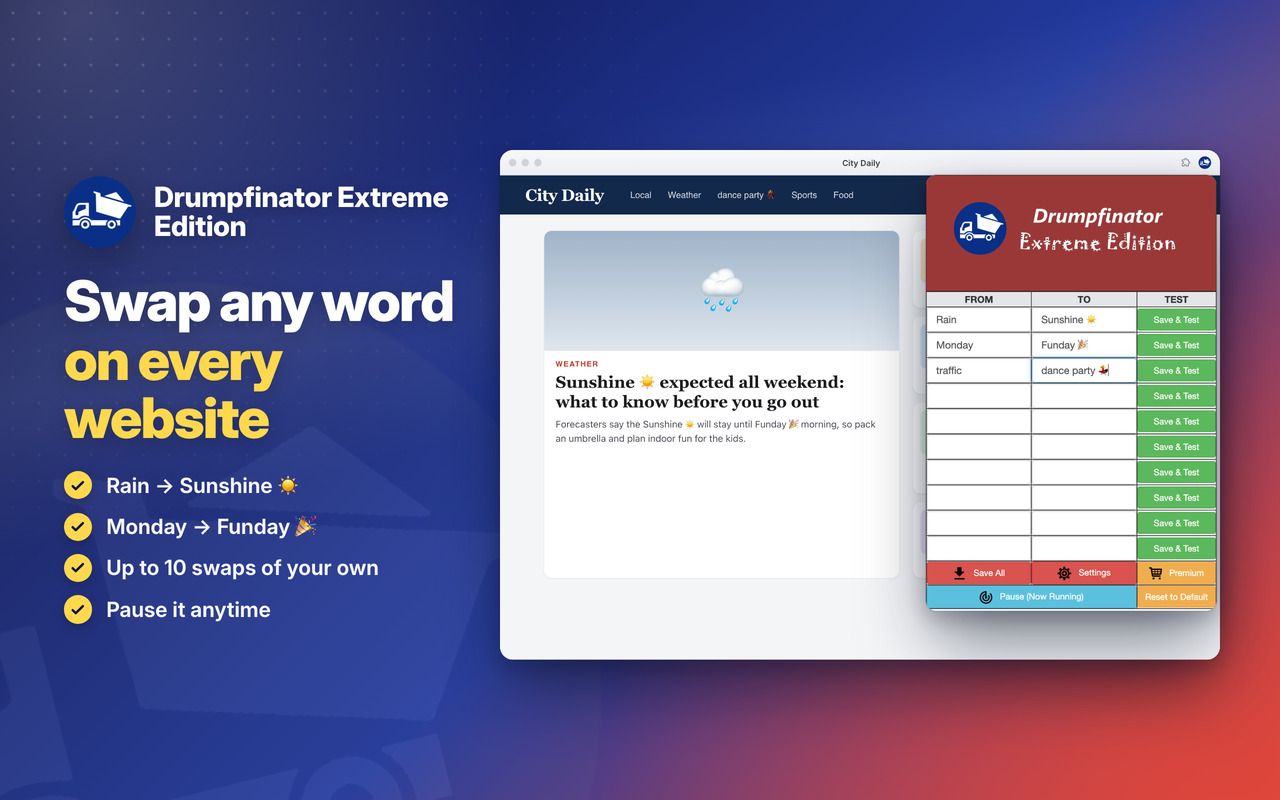
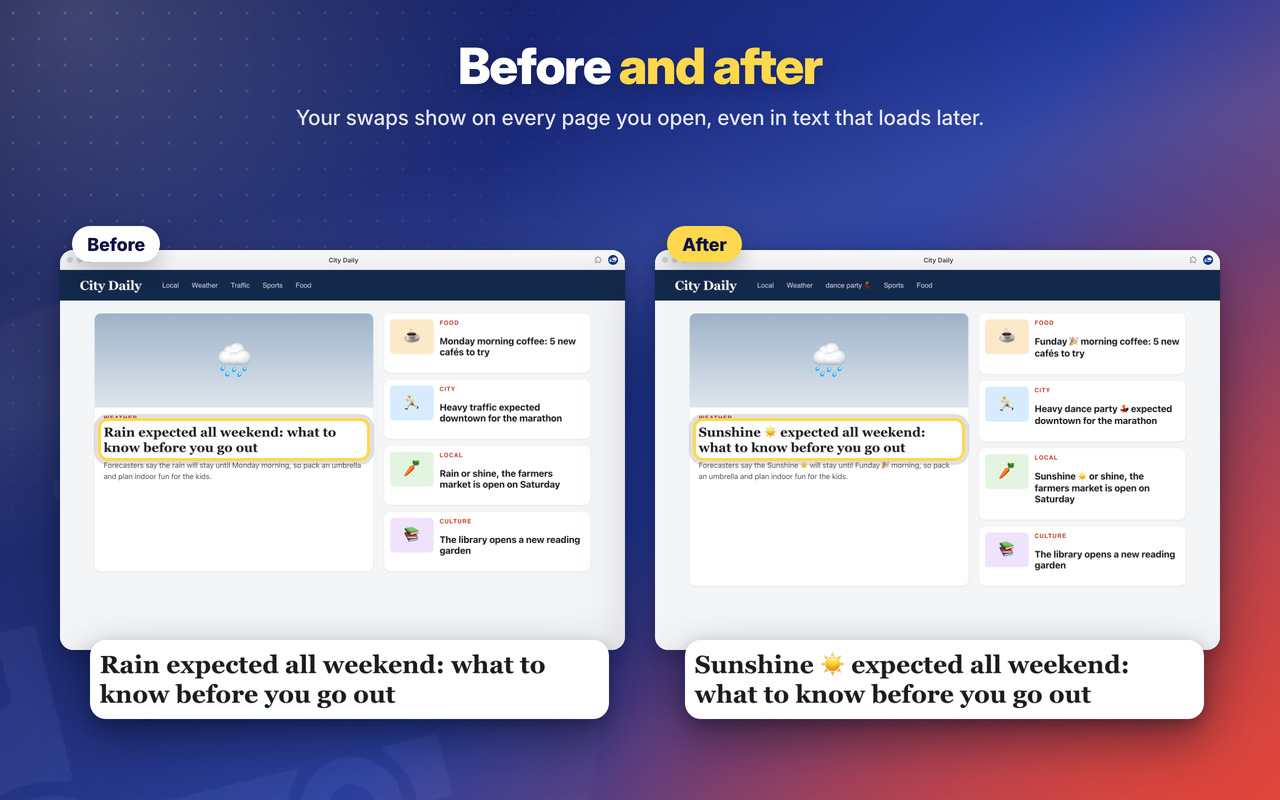
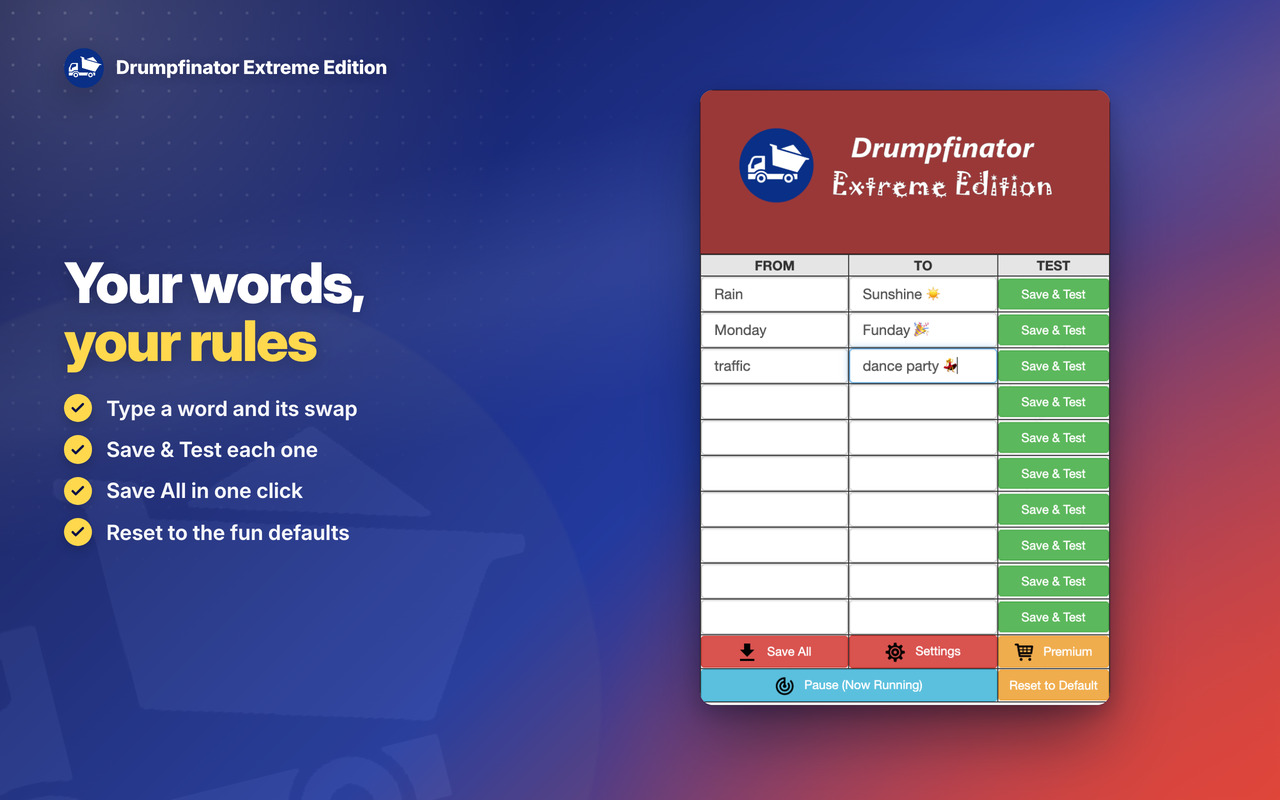
😎 New fun default swaps: Rain → Sunshine ☀️, Monday → Funday 🎉, traffic → dance party 💃 (your own words stay as they are)
⚡ Works right after install (before, nothing was swapped until you opened the popup once)
📜 Also swaps words in text that appears later: feeds, infinite scroll and web apps (never inside text boxes)
🐞 Words with symbols like “Mr.” or “C++” work
🐞 Reset keeps the emojis of the default swaps (☀️ 🎉 💃 were saved as strange characters)
🐞 Never changes what you are typing: text boxes, editable areas and code are left as they are
🐞 News & Tips messages show at most once a day
✨ NEW modern look for the messages: rounded, with a soft shadow and round buttons
🔒 Security improvements and no more warnings on the extension’s Errors page
OLDER
v5.7 – 03/06/2024
⚡ Updated Jquery from 3.6.4 to 3.7.1
⚡ Updated introJS from 6.0.0 to 7.2.0
🦊 Some improvements for Firefox version of the extension
v5.6 – 28/03/2024
🔗 Fixed Chrome links for the new WebStore Link format from chrome.google.com/webstore to chromewebstore.google.com => https://chromewebstore.google.com/detail/ocllmohigkffmehilojilnnmkcfemepi
💻 Fixed window size that was getting bounds.height instead of workArea.height. The window was resized behind Windows and MacOs taskbar. Now it will get the available working area of the screen and the Extension window will be more perfectly positioned 👍
🐞 Some bugfixes and improvements
v5.5 – 10/02/2024
🚨 Updated performance and bugfixes.
v5.4 – 28/03/2023
🚧 Updated Jquery library to v3.6.4
🚨 Updated IntroJs library to v6.0.0
😁 Updated Jquery-ContextMenu library to v2.9.2
💬 Updated Toastr library to v2.1.4
v5.1 – 16/05/2022
🧊 Fixes some bugs and performance improvements.
💣 Fixed some interface issues.
🚧 Major improvements on Edge and Firefox browser extension
💎 Use Firefox or Edge Browser for the best performance and latest features 💎
v5.0 – 23/04/2020
🚨Google Chrome Users🚨
💣 This is the new generation of the extension that starts at V5.0. If you have an older version than this, please remove it and add this extension.
🤴 This new version is the one that will be supported from now on. The older versions will not be supported anymore and is not available anymore in the Store.
😍 Install this new version.
v3.1 – 09/04/2019
🤩 Upgrade of the Material Design from v0.34.0 to v1.1.0 – the latest version.
😇 Improved layout and default window size is now bigger to adapt to bigger screen but maintaining the smartphone portrait layout.
🤠 Options page layout also improved a bit.
💀 Removed oinkandstuff Google+ (rest in piece) and replaced by our linkedin page. Give us a follow on Linkedin.
🥋 Removed CSS from unused paged that lead to better performance.
🐞 For any bugs contact us by Social media, email or contact form.
v3.0 – 18/12/2018
📌 Improvements on App Notifications.
😍 Improvements on the Popup Notifications style.
🚧 Other minor improvements.
v2.8 – 17/09/2018
⚡ Instant Messages reactivated. A popup occasionally may show when App starts with important information. On 3 dots (settings) -> OinkAndStuff News is also working again 😇
😭 Support our work by following us on Facebook, Youtube, Instagram, Twitter. Its important so that we can continue to improve our Apps with new and exciting features 😉
🐞 Minor bugfixes and some performance improvements (10%)
🏆 Improvements to be fully compatible for the new Chrome 69, 10th anniversary.
v2.7 – 10/05/2018
📢 Minor improvements on the mini tutorial and on the Extra options (3 dots).
🥤 Follow us on Facebook, Twitter, Instagram, Youtube for the latest releases and tips and tricks.
v2.6 – 23/02/2018
🤩 New Feature: Fast Access by Context Menu. Right click on a Page and open the Extension.
📢 Check our Youtube channel to see a tutorial for this and other features.
🚩 Make sure to Subscribe it because we will be releasing there all the explanations and tutorials about current and future features.
🛒 Improved the Premium features section. Click on the 🛒 (shopping cart) icon on the Top Bar to explore this section.
💼 Now it includes a tutorial with Google Pay and some Exclusive FREE and Premium features.
🐞 Bugfixes and improvements on all scripts.
v2.5 – 02/02/2018
😀 Interface Improvements.
🐞 Minor bugfixes.
v2.2 – 06/06/2017
– Bugfixes and performance improvements.
v2.1 – 09/11/2016
– Added Loser in addition to Drumpf as example.
v2.0 – 07/09/2016
– Evolution from JQuery 2.0 -> 3.0 for performance improvements and technical bugfixes.
v1.9 – 27/06/2016
– Minor bugfixes;
v1.8 – 02/06/2016
– High resolution icons;
v1.7 – 02/05/2016
– Fix detection of case insensitive word.
– Fixed detection of Plurals.
v1.6 – 16/03/2016
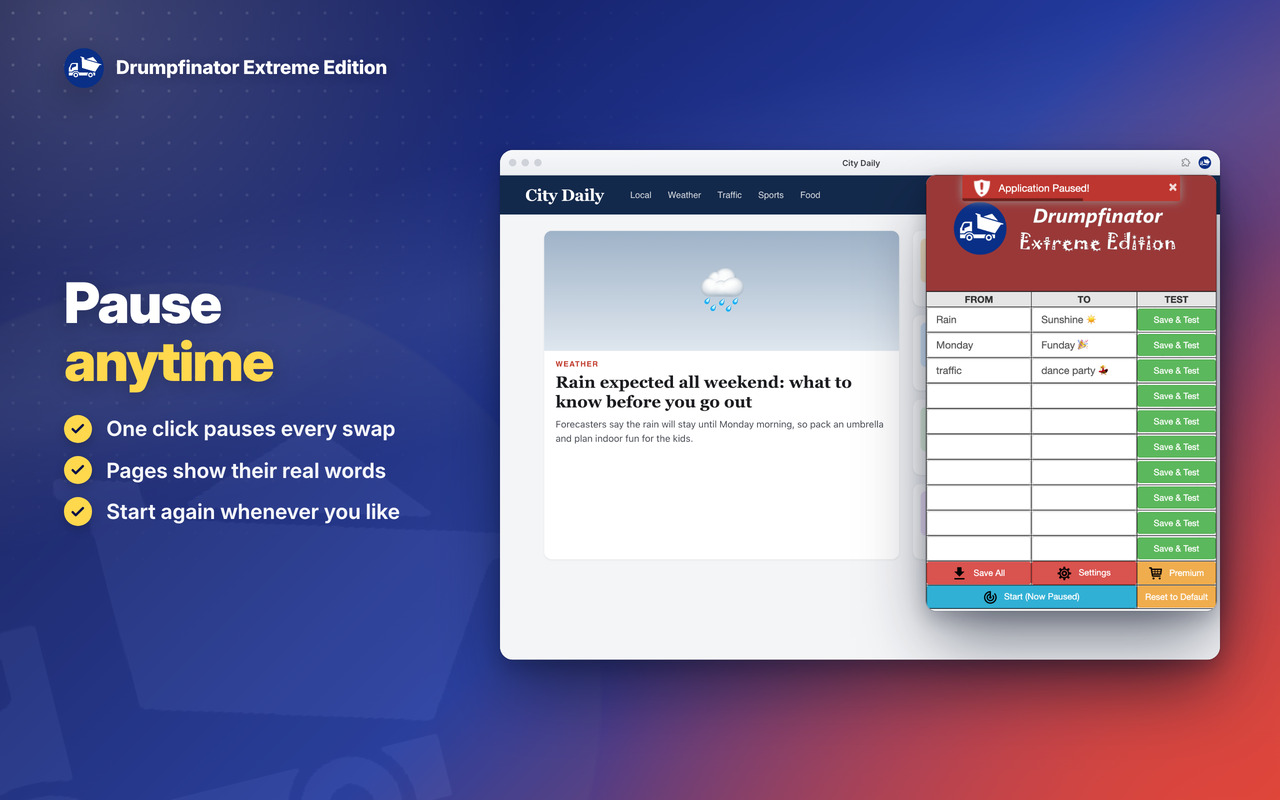
– Button “Pause”.
– Button “Reset to Default”
v1.5 – 8/03/2016
– First Release.
